LiblibAI has officially launched 2.0, and Crossing got hands-on with it right away: from 1.0 to 2.0, what's changed?

LiblibAI 2.0: A True AI Creation Studio
**
LiblibAI 2.0: A True AI Creation Studio
👦🏻 Author: Jingshan
🥷 Editor: Koji
🧑🎨 Design: NCon

As a creator who's proficient with all kinds of AI tools, you're probably familiar with this daily routine: subscribing to Midjourney for image generation, purchasing Pika or Runway for video generation, using Topaz for upscaling, even switching between different open-source models, wrestling with LoRA, tangled ComfyUI webs, Stable Diffusion...
Every additional tool adds another layer of friction.
Two days ago, LiblibAI — one of China's largest AI multimodal model communities — underwent a major upgrade, officially launching version 2.0. For many creators, this platform needs no introduction. LiblibAI has long been a vital hub for open-source art and LoRA culture in China, often called the Chinese version of CivitAI (what everyone refers to as "C Station").
This time, LiblibAI has restructured the creator's workflow logic, formally completing a full-fledged "workstation."
It can be stated clearly: with this release, LiblibAI is attempting to answer that question that's been asked over and over:
In the age of AI, how hard should creation really be?
🚥
So, this article won't be a straightforward feature review.
We'd rather start from a creator's genuine experience, talk about this LiblibAI upgrade, and discuss what creators in this AI era are really thinking about — their honest confusions and ideas.
The Age of AI Creation's "Great Tool Fragmentation": Why Do We Feel So Exhausted?
First, let's look at the big question:
In this age of "great tool fragmentation" for AI creation, why do we always feel so exhausted?
To answer this, let's revisit our most familiar daily workflow:
【1】To get a "good-looking, aesthetically pleasing" image, we first have to choose among many AI image generation models — say, Midjourney — then subscribe to a Pro plan, and upload a concept reference;
【2】Next, download the satisfying image (some platforms won't even let you download without paying);
【3】If we want to make fine local adjustments, in the past we'd have to use Stable Diffusion's Inpainting feature and launch a ComfyUI as complex as a spiderweb;
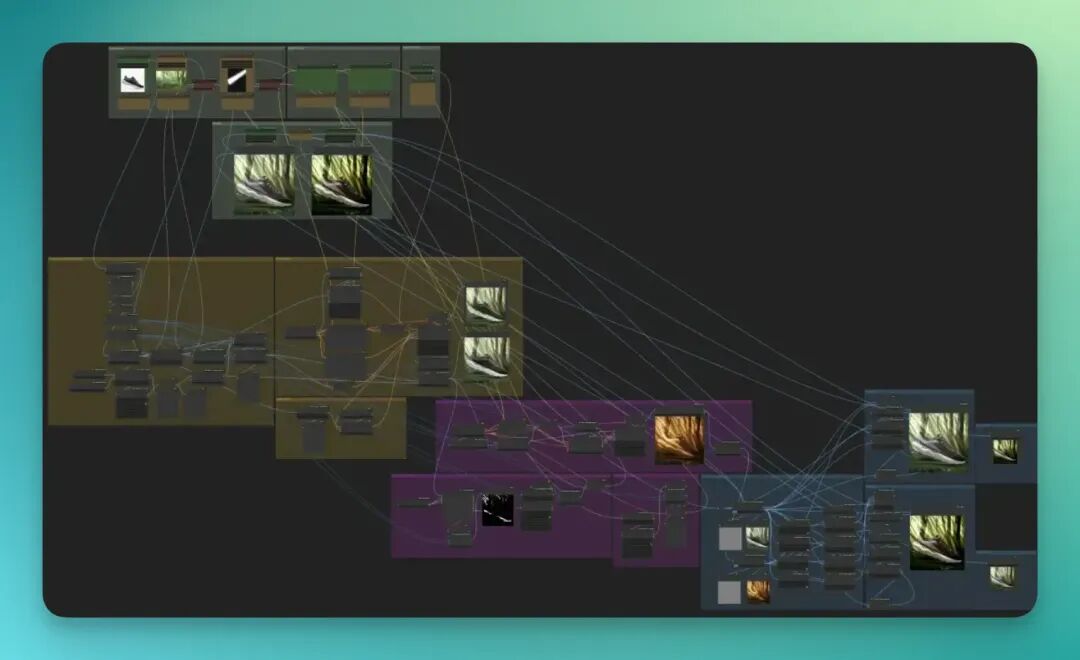
【4】Finally, want to make this image move? Great — now open an AI video generation platform: Pixverse, Keling, Pika, or Runway, import again, enter prompts, wait for generation...
For me, my regular go-tos include: Recraft for creativity, Midjourney for aesthetics, ByteDance's Seedream 4.0 for Chinese image editing capabilities, Hunyuan Image 3.0, Google's NanoBanana for decent English image editing, and F.1 Kontext for strong character consistency.
I can rattle off these models like a "menu recitation."
Every month, each product requires a subscription fee ranging from $20 to over $100. But what's actually more expensive is the fractured attention and diluted creativity.
So, the things a creator needs most, in the ideal state, should all be placed within easy reach in the same place.
Why Must It Be a "Studio"?
LiblibAI's "previous life" was that open-source model community affectionately known by countless creators as the "Little Broken Site." Many designers once came here to find inspiration, download models, and learn workflows.
It was also truly the "Chinese version of CivitAI."
What made it most noteworthy was its genuine commitment to creators. Many of you have likely experienced an interesting story firsthand: even when funds were extremely tight, LiblibAI continued distributing incentives, stubbornly gathering the most active AIGC creators in the Chinese-speaking world.
Indeed, many people at that time used Stable Diffusion to train models, upload works, write tutorials, and share prompts — cycling daily through generating images, uploading, and refining.
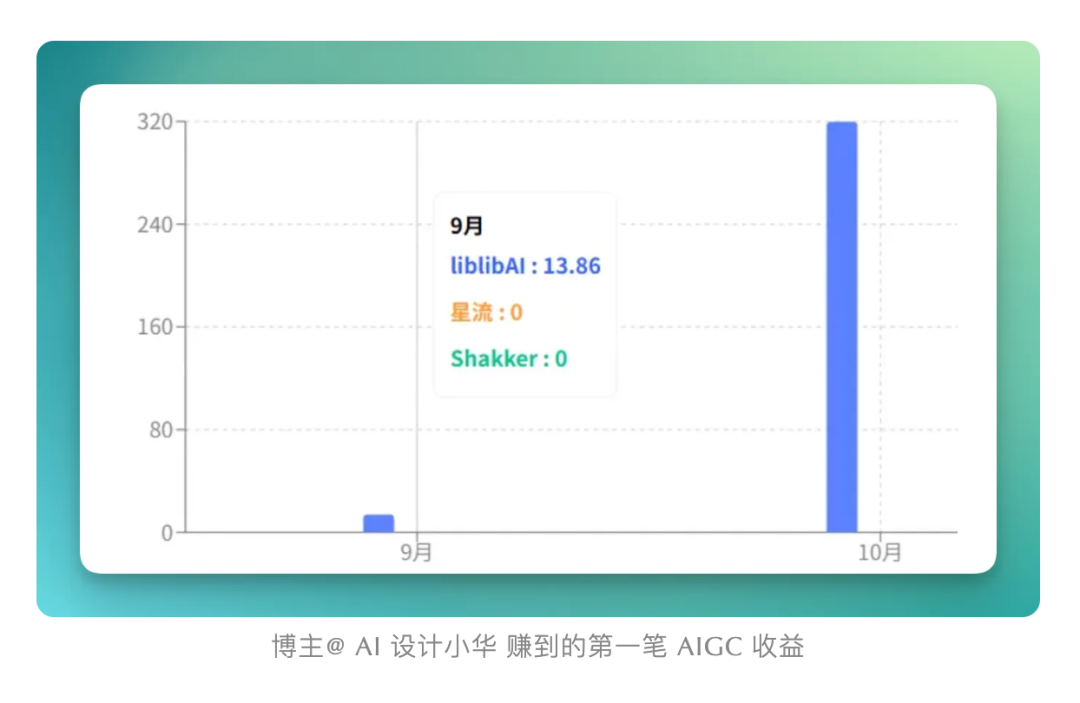
Through this process, everyone witnessed AI images evolve from "broken faces" and "ceiling windows" to something commercially viable and deployable. They personally felt the community grow from "grassroots mutual aid" to the establishment of a "creator incentive system." LiblibAI persisted through turbulence, continuing to distribute creator incentives even when funds were most strained (with only 4,000 RMB left in the company account), accumulating over 10 million RMB in subsidies. Many people earned their first-ever AIGC income:
However, as the open-source ecosystem's hype gradually cooled and various model-as-a-service SOTA AI image generation models emerged, two problems arose — ones that many of you likely resonate with:
【1】For newcomers, the node-based operations of WebUI and ComfyUI posed too high a barrier, discouraging massive numbers of potential users. After all, not everyone has the ability, time, or inclination to build workflows.
【2】For mature creators, single-model training and sharing could no longer satisfy systematic, efficiency-driven commercial creation needs.
What the market wanted was no longer scattered "toys," but an integrated "Studio workspace."
So LiblibAI 2.0 is precisely responding to this shift. It attempts to make creation return to a holistic process: from inspiration germination, to asset generation, to the birth of the final product — all actions completed within a single space.
How Productive Is This AI Studio in Reality?
If the keyword for AI creation over the past year was "disassembly," then what LiblibAI 2.0 wants to do is "reassembly."
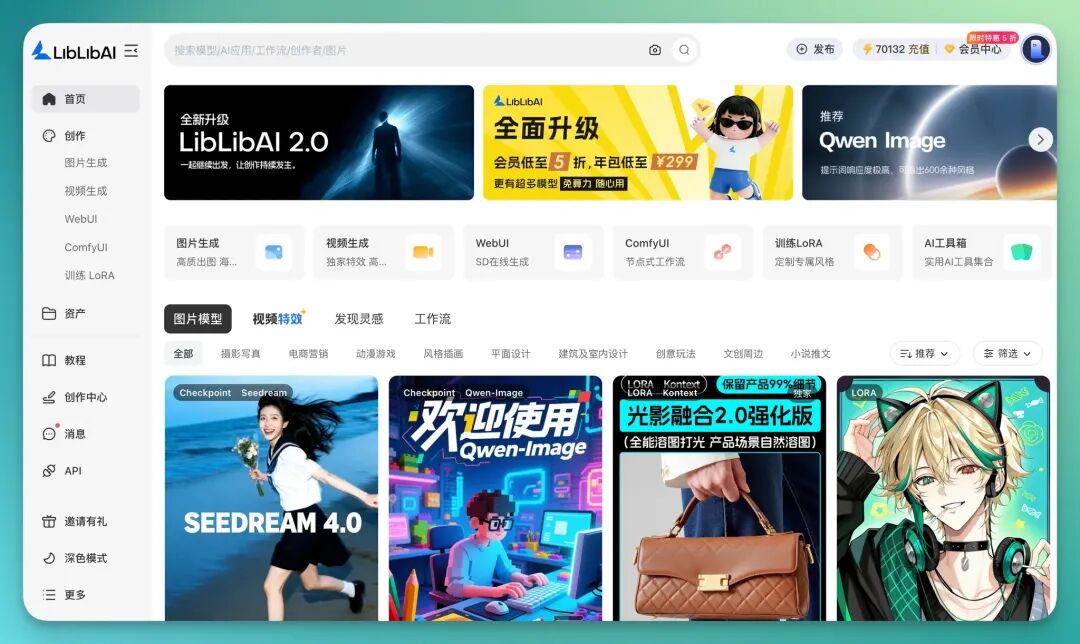
In version 2.0, LiblibAI introduces for the first time a complete "Studio workstation" concept: it's no longer simply an open-source model community, but a full-chain creation environment where creators can complete "image generation → video generation → effects → finished asset management" within the same page.
This means those steps of "switching back and forth between models" and "exporting and importing assets" are integrated into one system in a single stroke.
Although LiblibAI has rolled out a comprehensive upgrade this time, the original WebUI, ComfyUI, and LoRA haven't been eliminated either.
So what can this brand new "studio" actually bring to creation?
Simply put: it places the most frequent needs of a creator all within easy reach.
In total, LiblibAI 2.0 adds 4 features: image generation, video generation, video effects, and assets. Let's look at each one.
First is the image generation workflow.
Now, in LiblibAI's AI image generation studio interface, users can call multiple models at once (Seedream 4.0, Nano Banana, Mj V7, F.1-Kontext, etc.), support ultra-HD 4K images, and coherently use assets, effects, and video within the same workspace:
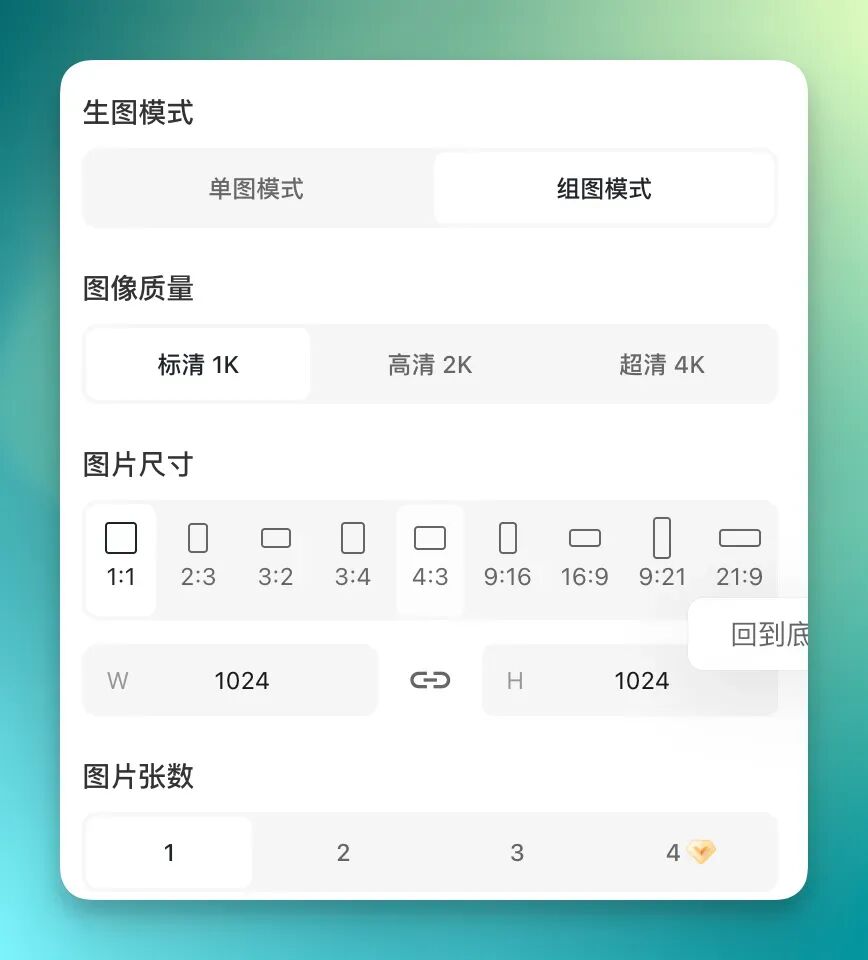
LiblibAI 2.0's change is essentially about "reducing switching friction."
It lets creators call and test different models under the same interface. When I was generating images, I noticed that generation compute was currently 50% off, so I tried many rounds of image generation tests in one go.
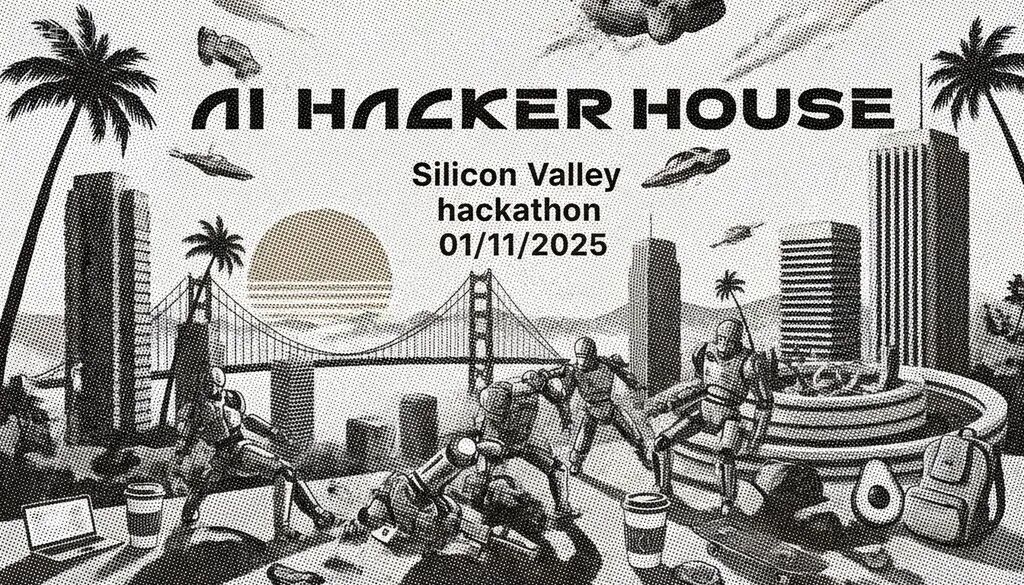
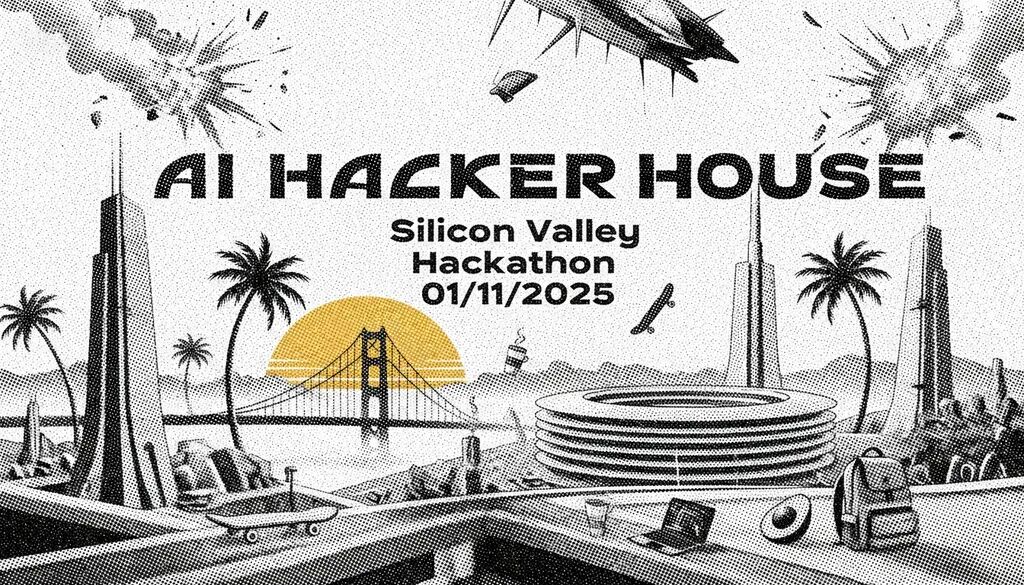
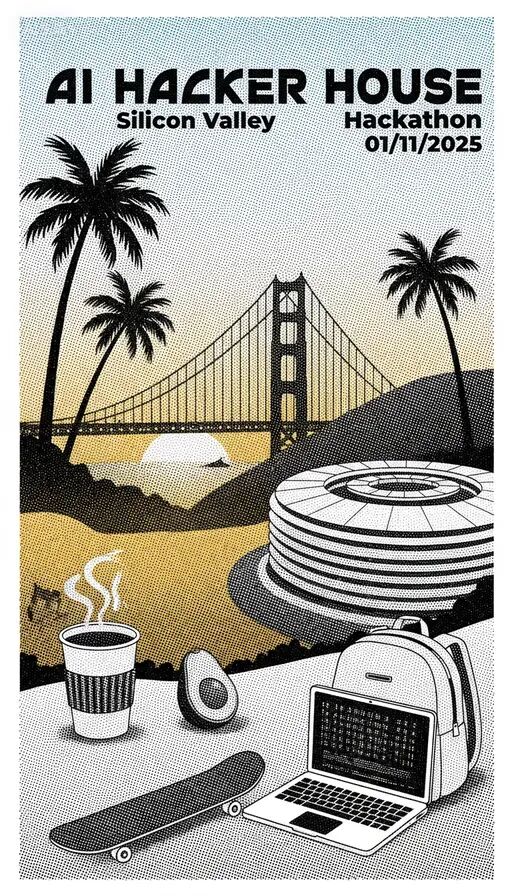
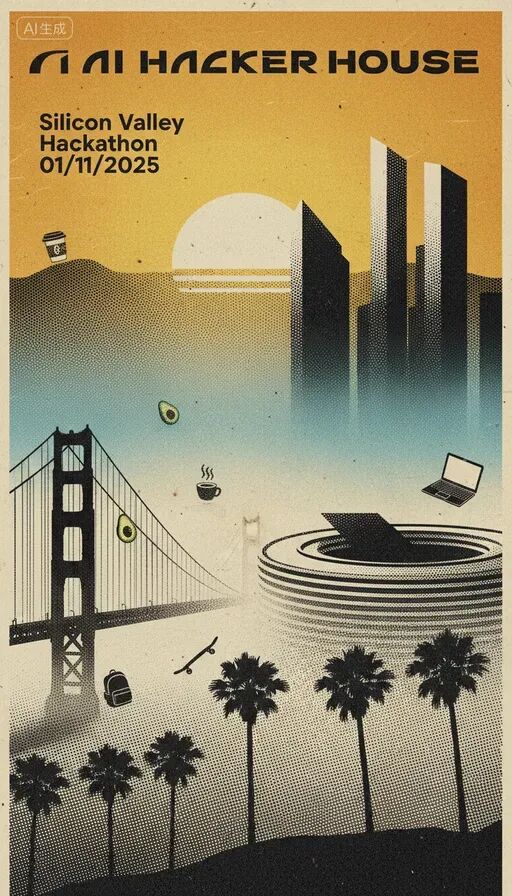
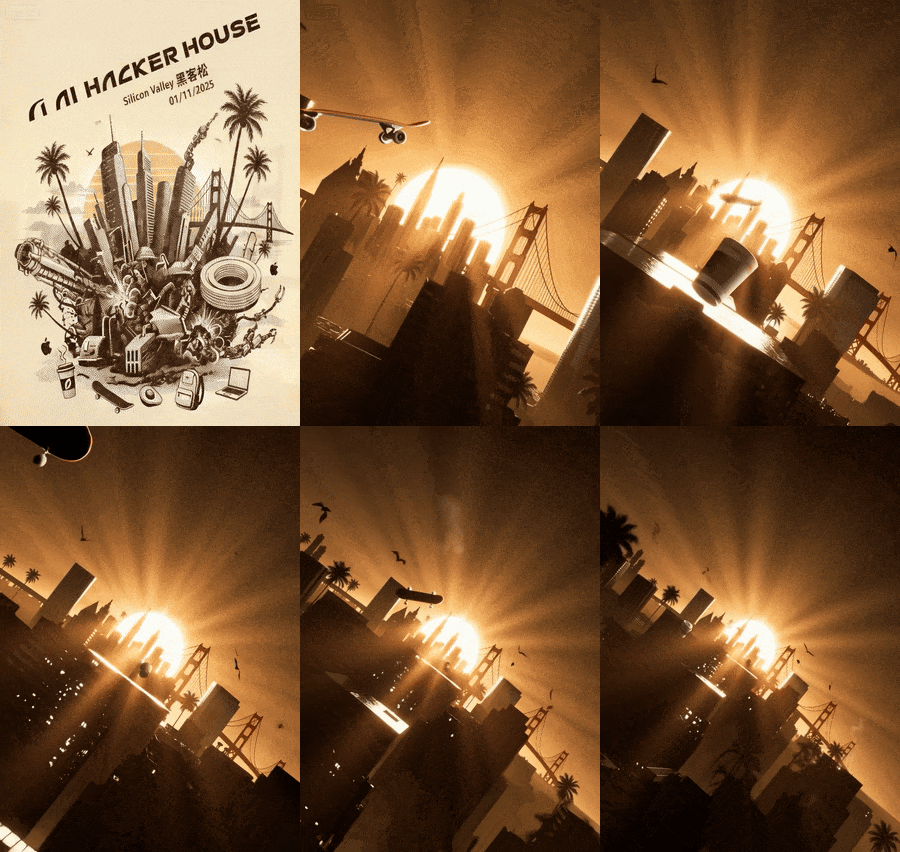
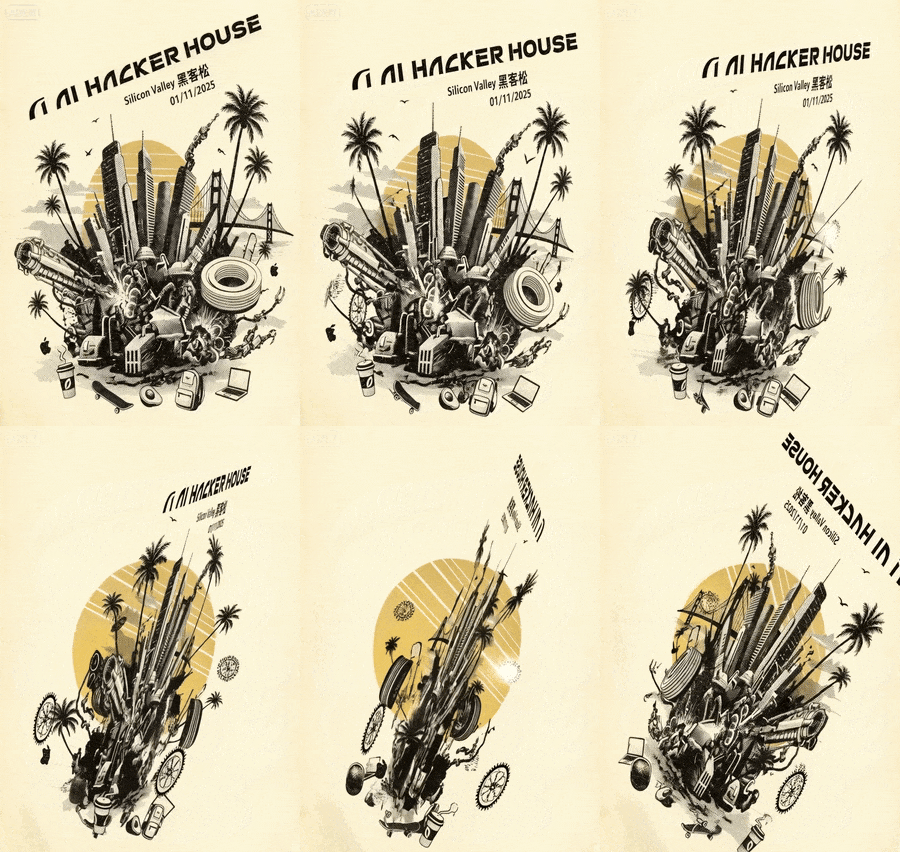
The Crossing team has been planning to host an AI Hacker House offline hackathon event in Silicon Valley. So this time I used that as the theme to generate a few posters and test things out.
If I want to use the word "Hackathon" in a poster, or if there's more Chinese elements involved, I generally use Seedream 4.0.
I uploaded a reference image of our AI Hacker House with the following prompt:
Use my uploaded image as the "AIHackerHouse" poster logo. Style: halftone dot art technique, using dense small black dots to shape the image, sci-fi movie, promotional poster, retro-futurism, retro style. Through variations in dot density and size, express light, shadow, and chiaroscuro. Bright areas have sparse dots, shadows have dense dots, precisely outlining contours and presenting three-dimensionality. Simple yet artistically powerful, with strong retro flavor. Sci-fi futurism poster, montage, typography design. Large title: "AIHackerHouse". Small titles: "SiliconValley", "Hackathon", "01/11/2025". Accent elements: palm trees, California blue sky + Bay Area fog, golden sunset, San Francisco Golden Gate Bridge, Googleplex/Apple Park circular headquarters, coffee cup, skateboard / avocado / backpack laptop.
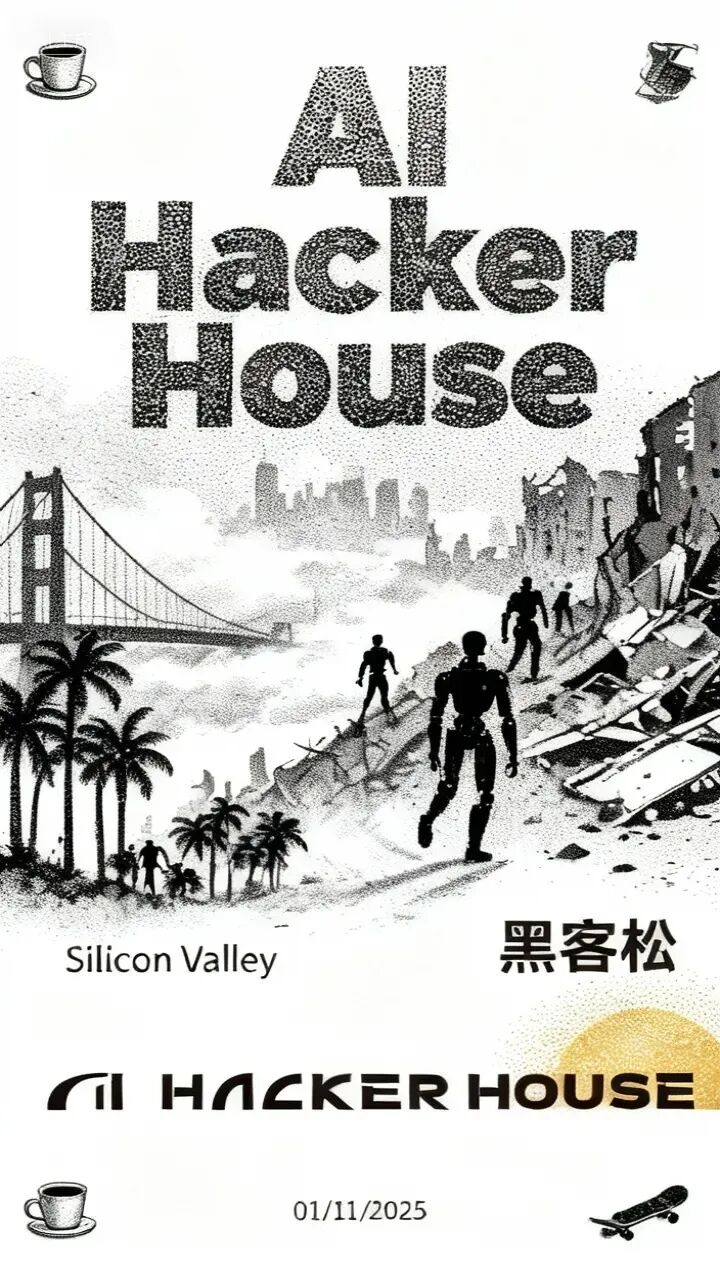
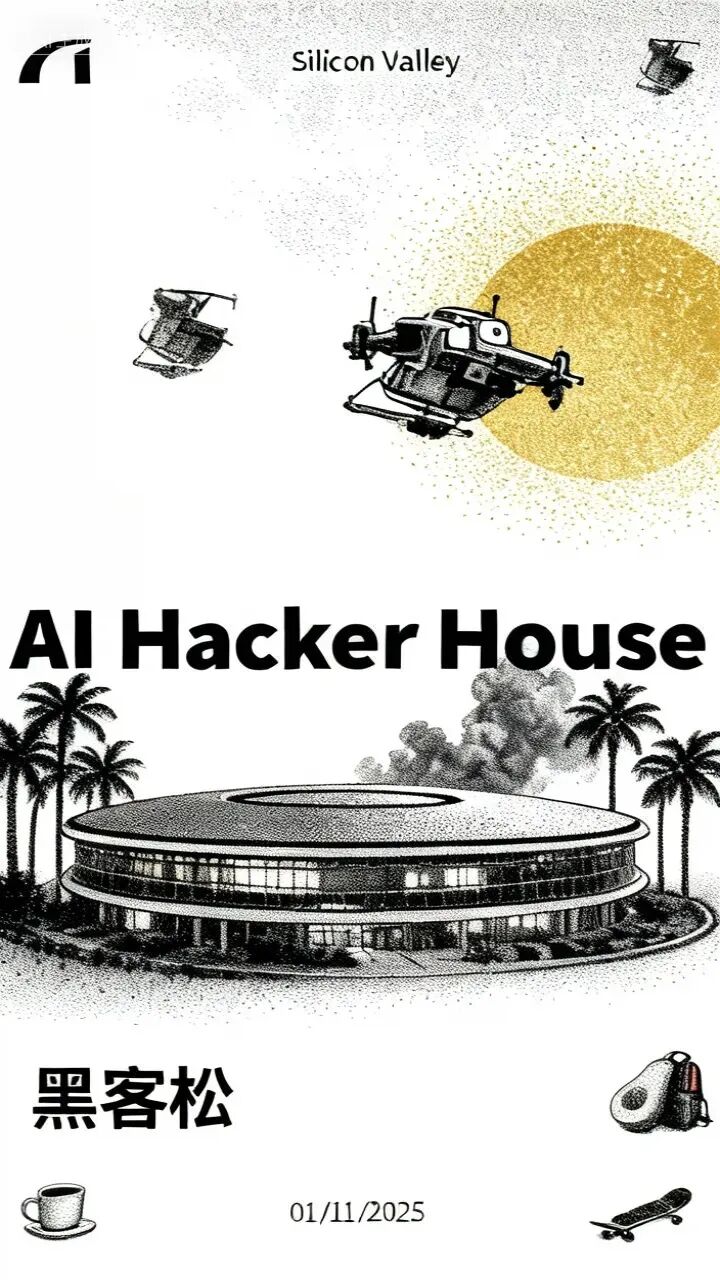

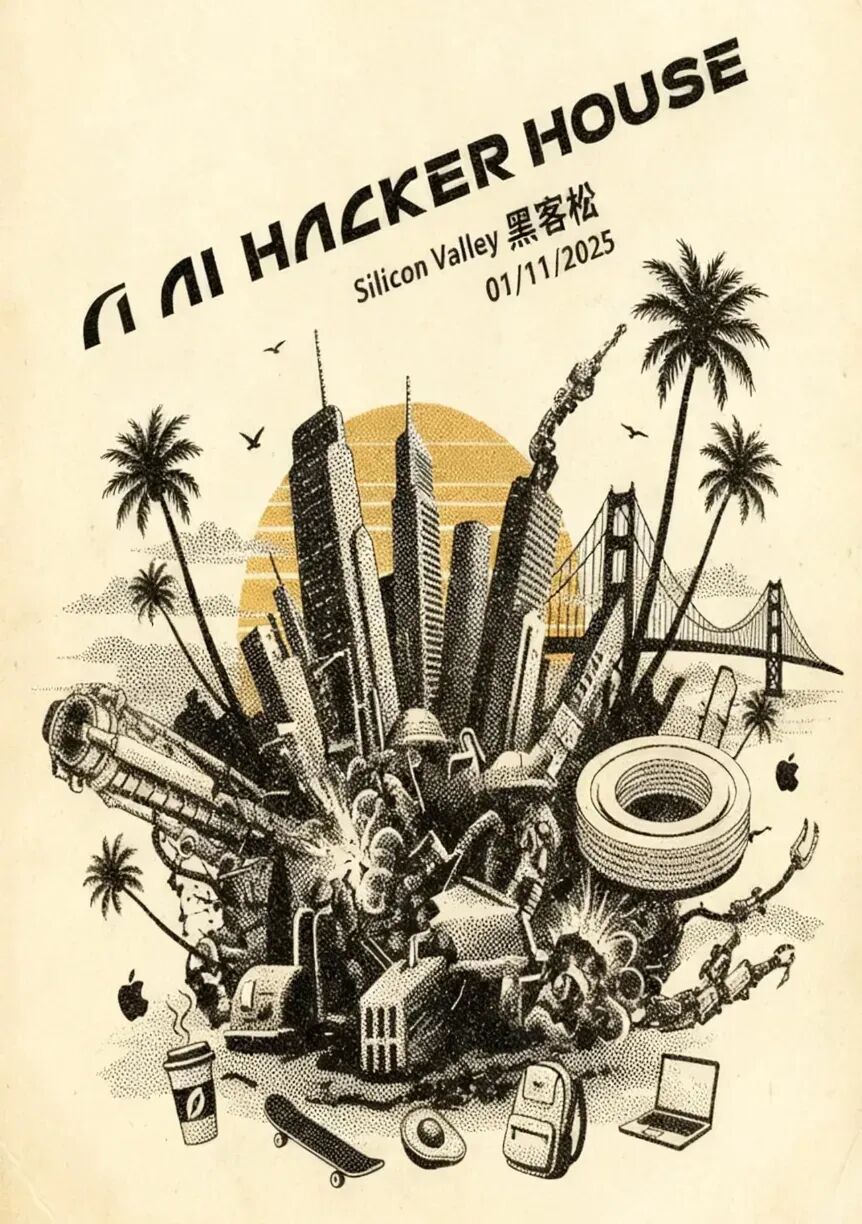
If it's all in English, I generally use the Nano model — its results are a bit better. Mainly, the workflow inside LiblibAI is genuinely smooth. I generate many rounds of images each time, largely because it's cheap (taking advantage of the discount):
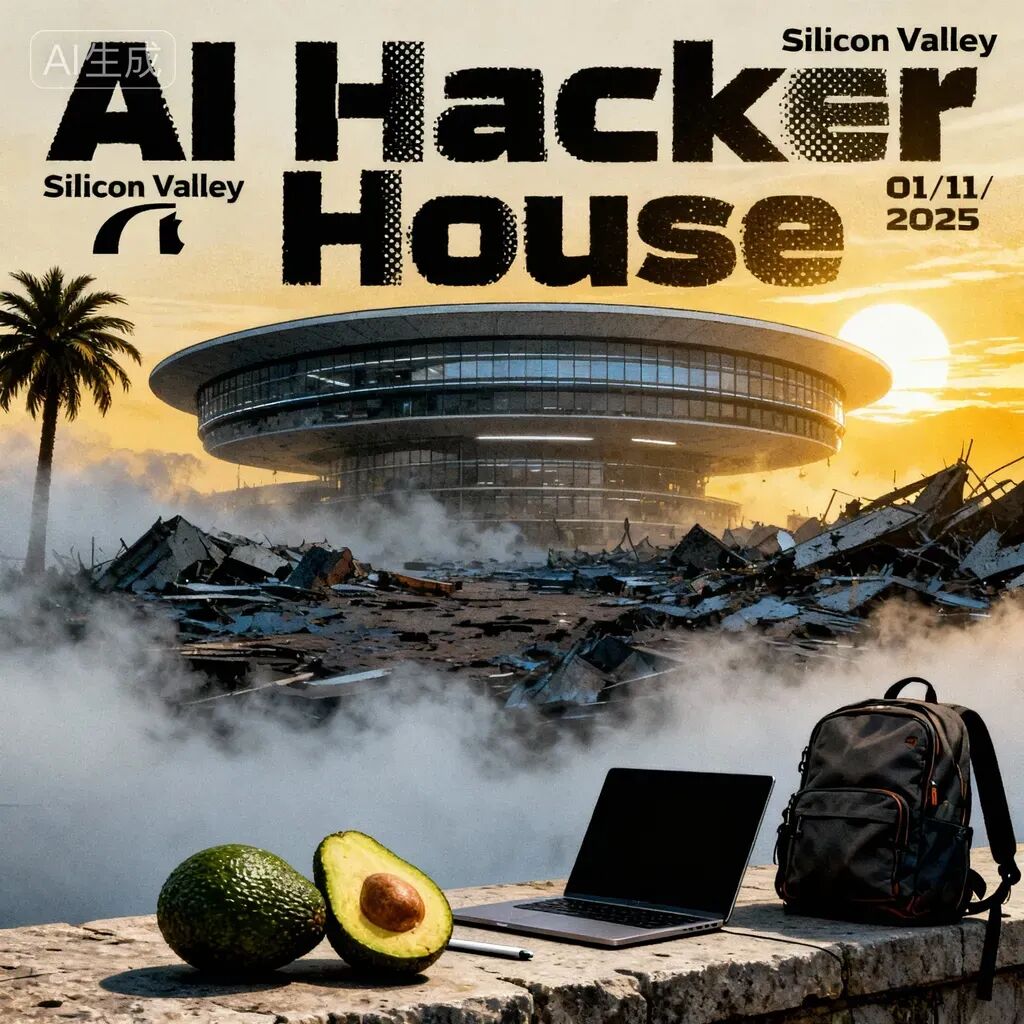
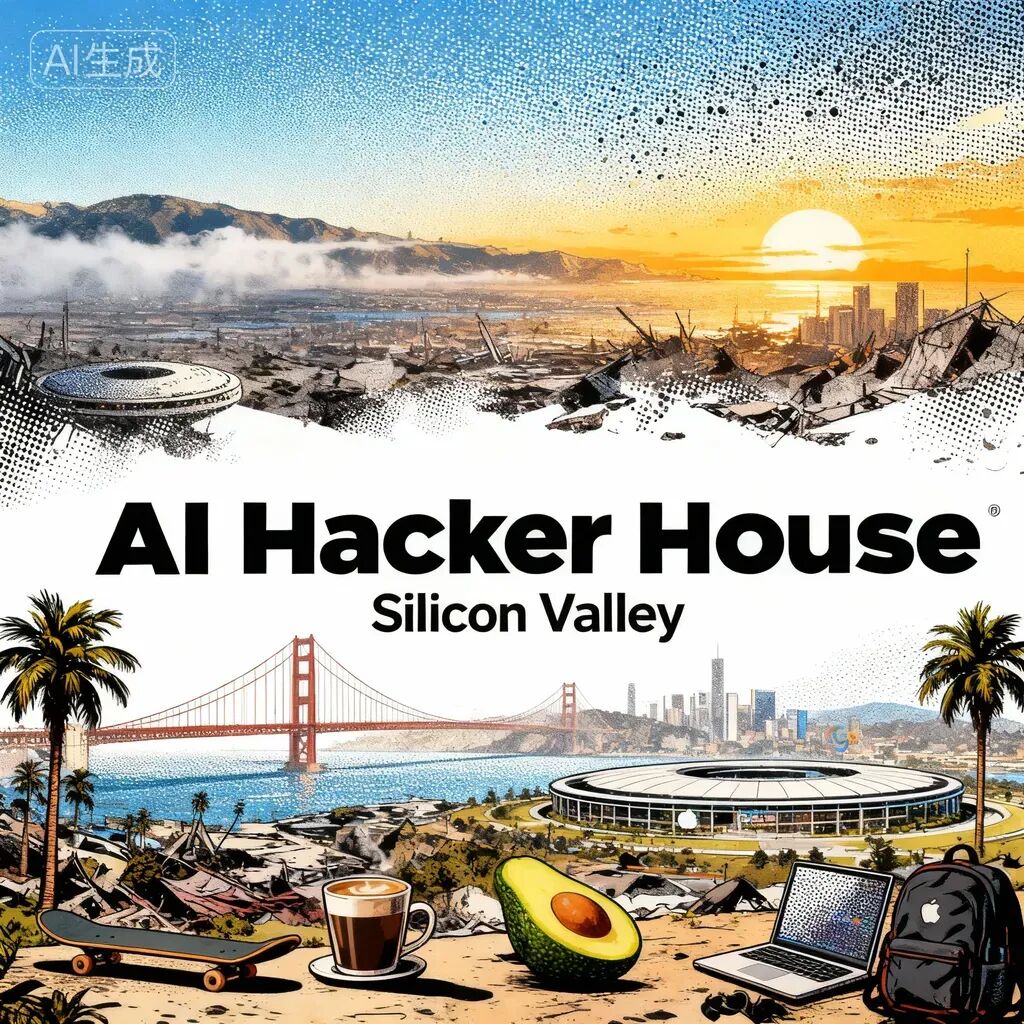
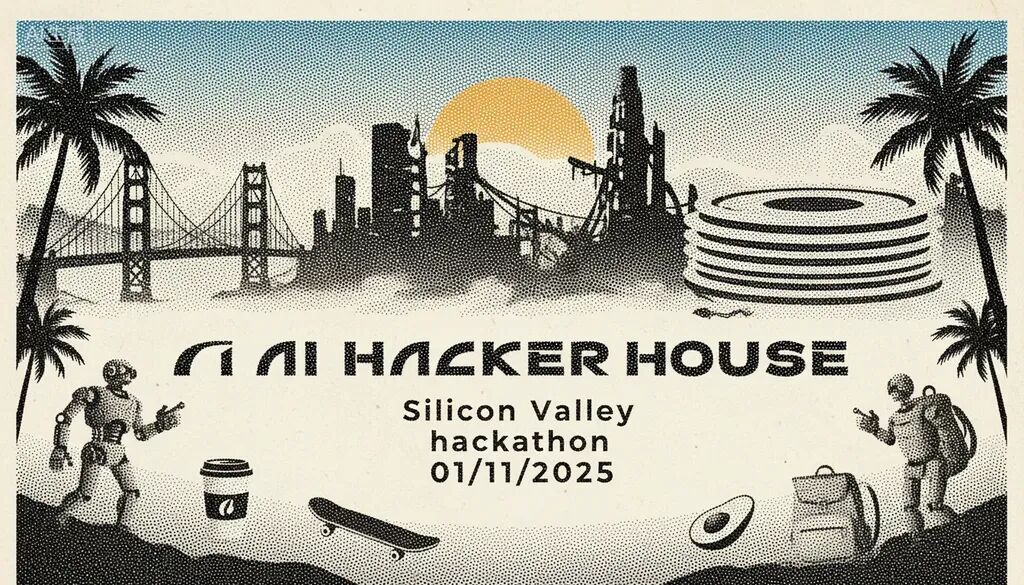
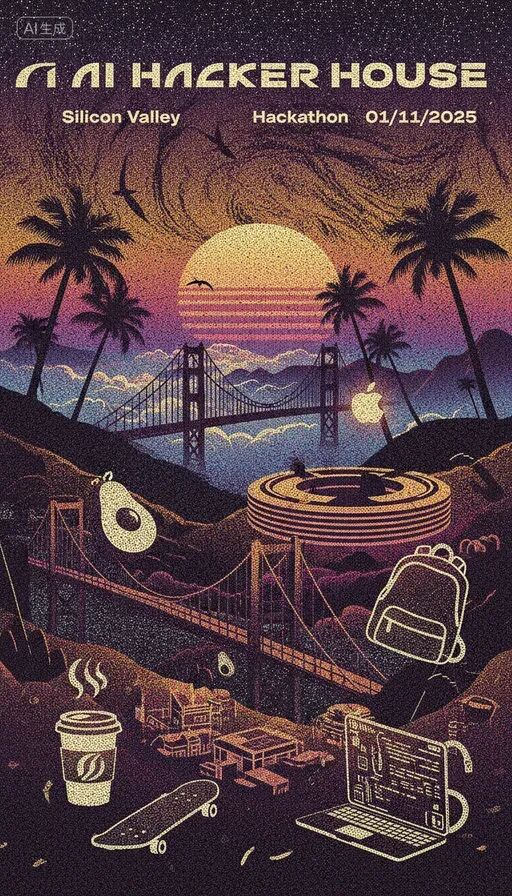
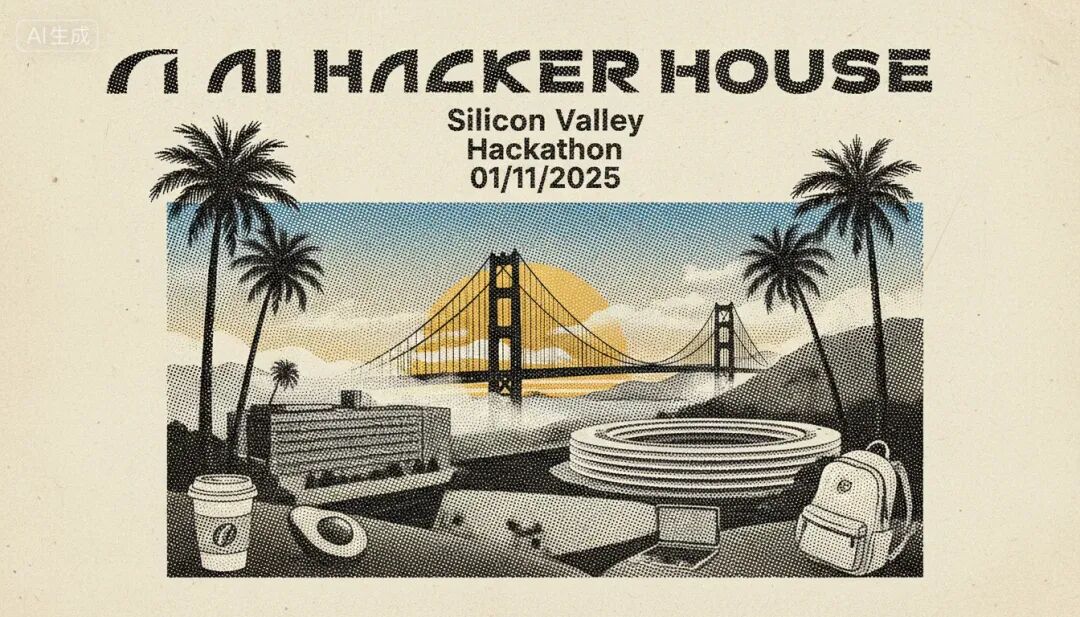
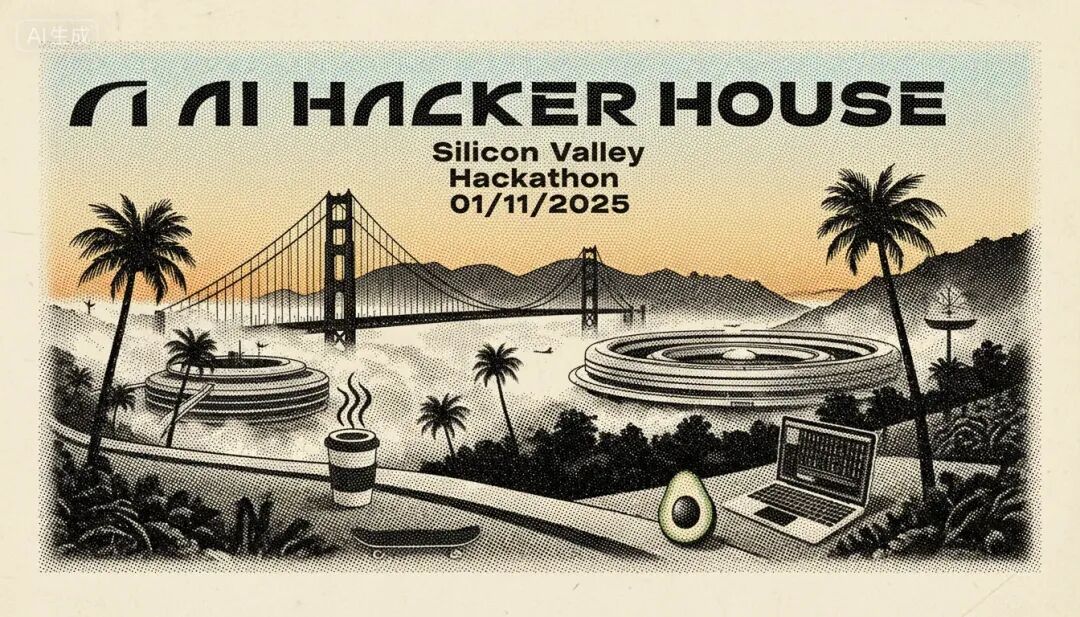
Another thing that's particularly noticeable when using LiblibAI: because it integrates so many models, I'll adjust prompts differently for different models, or directly use the same prompt to refresh and test across multiple models — frantically drawing cards.
Like Mj V7 with its decent aesthetic quality:
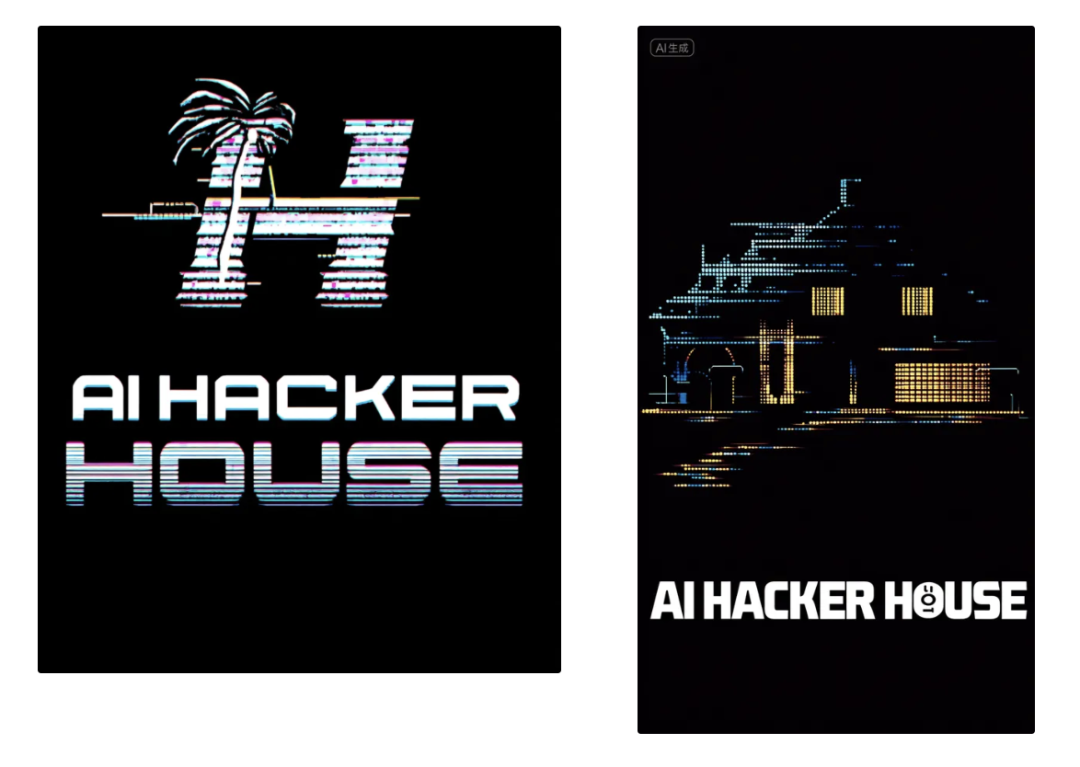
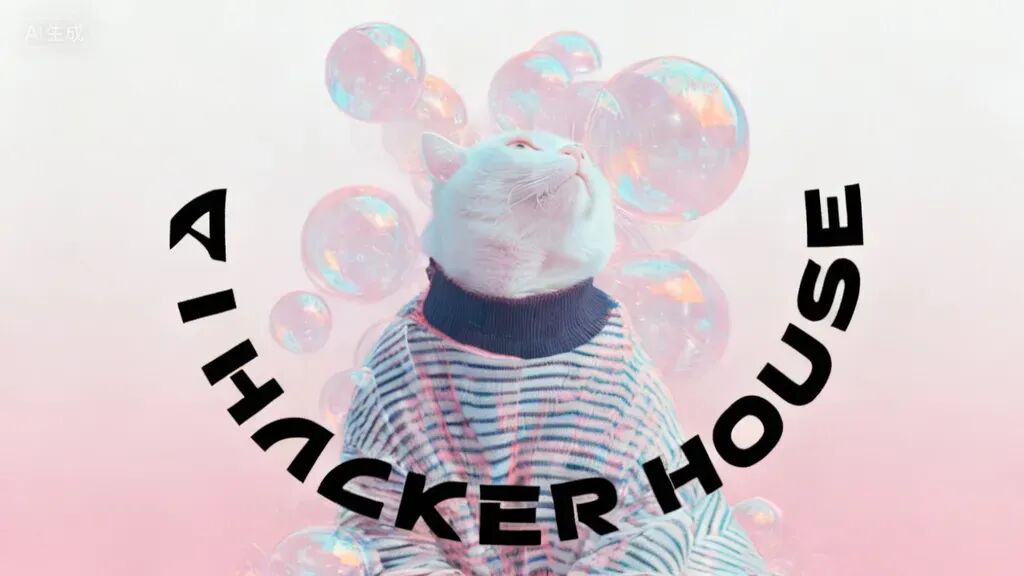
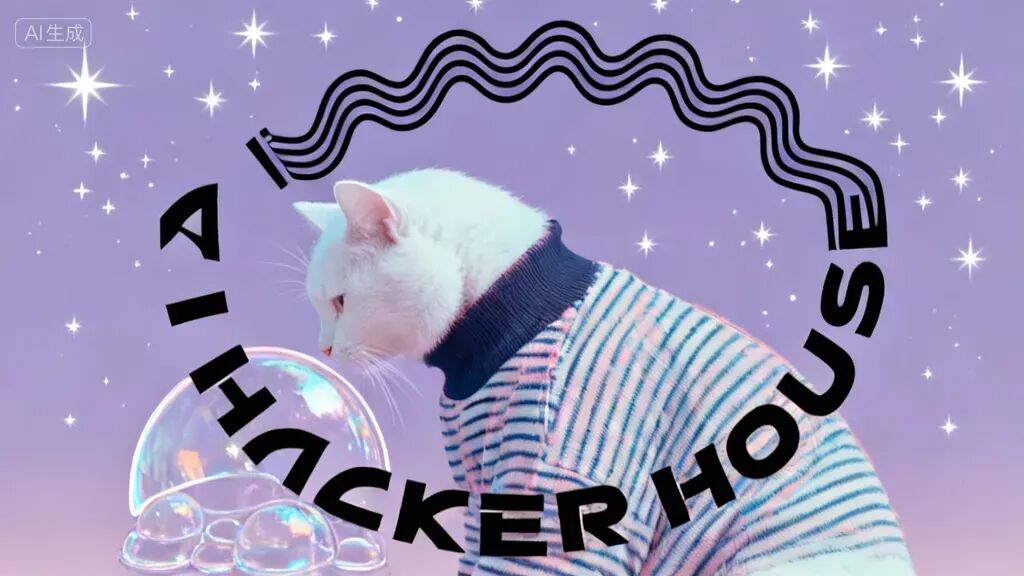
I also use Mj V7 to generate our "AI Hacker House's signature little cat" — something this creative yet aesthetically pleasing might take a few more rolls on other models, but Mj V7 handles it better.
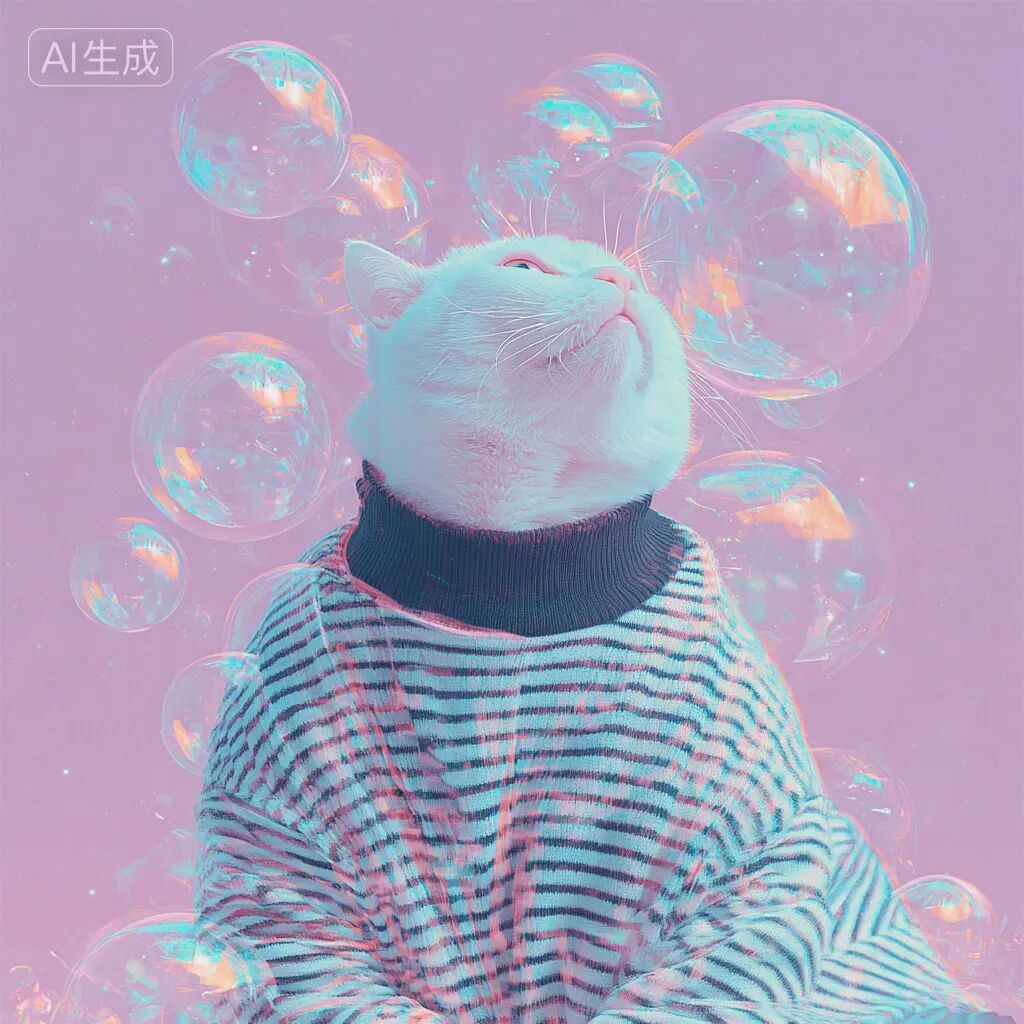
The workflow inside LiblibAI is genuinely quite smooth.
For example, you can directly set multiple images as reference images within the same image generation interface, and they'll be collected into a single input box.
Actually, it can be said that LiblibAI's image generation and video generation workflows are somewhat smoother compared to some specialized platforms. And thanks to the community's long-term accumulation, inspiration is easier to find.
For instance, I looked around the community for inspiration and had the cat from Image 1 jump onto the "AI Hacker House" text from Image 2.
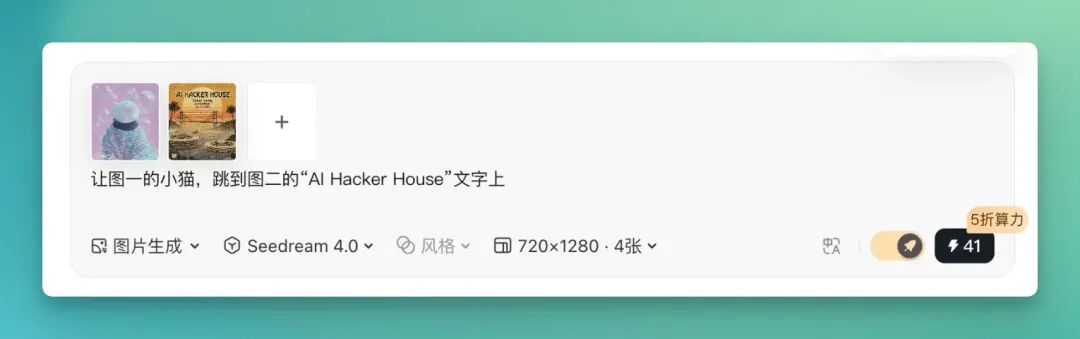
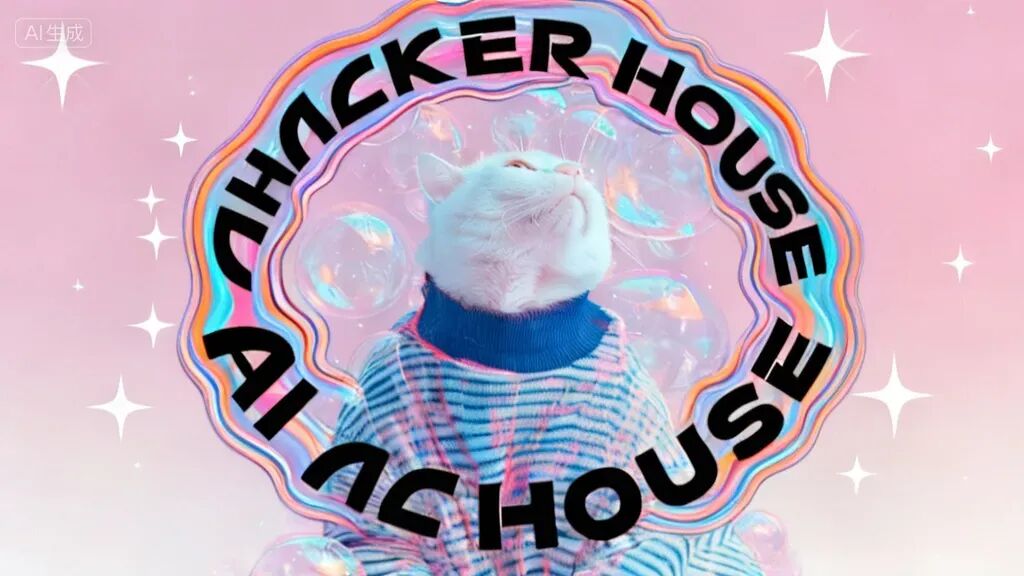
Then we can continue drawing cards, selecting multiple models for repeated generation. Check out the results below — not bad, right?
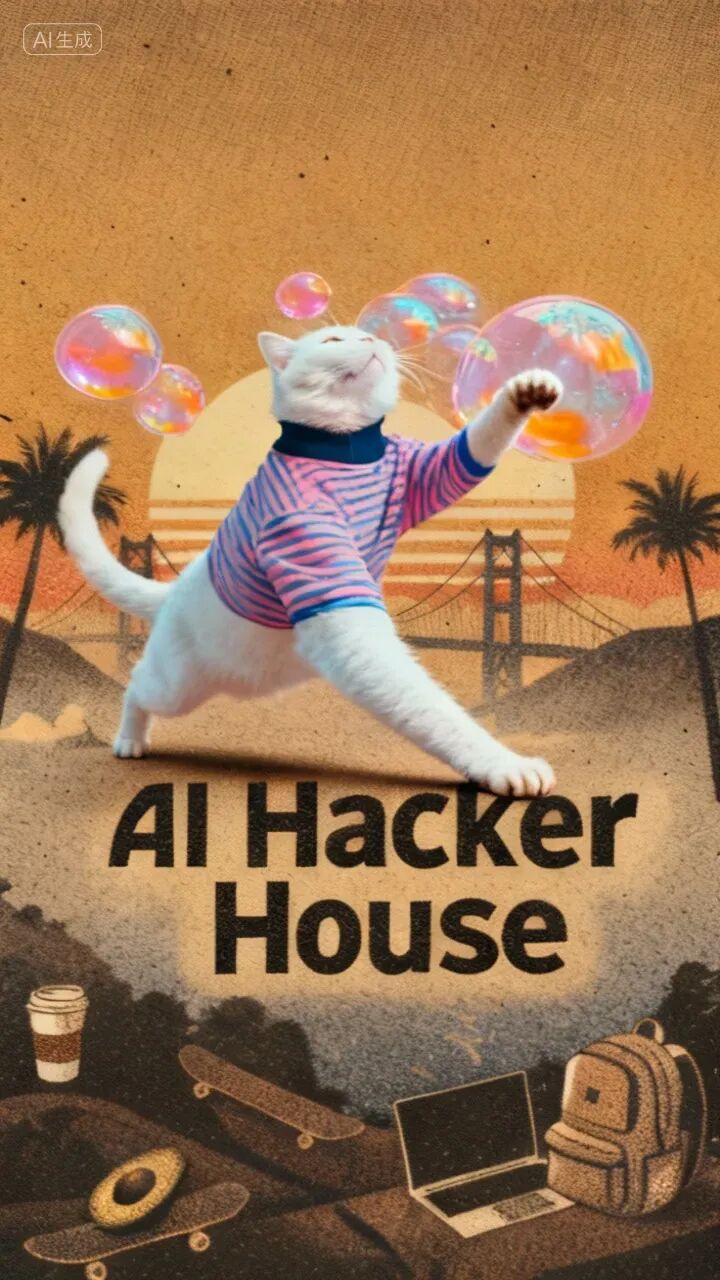
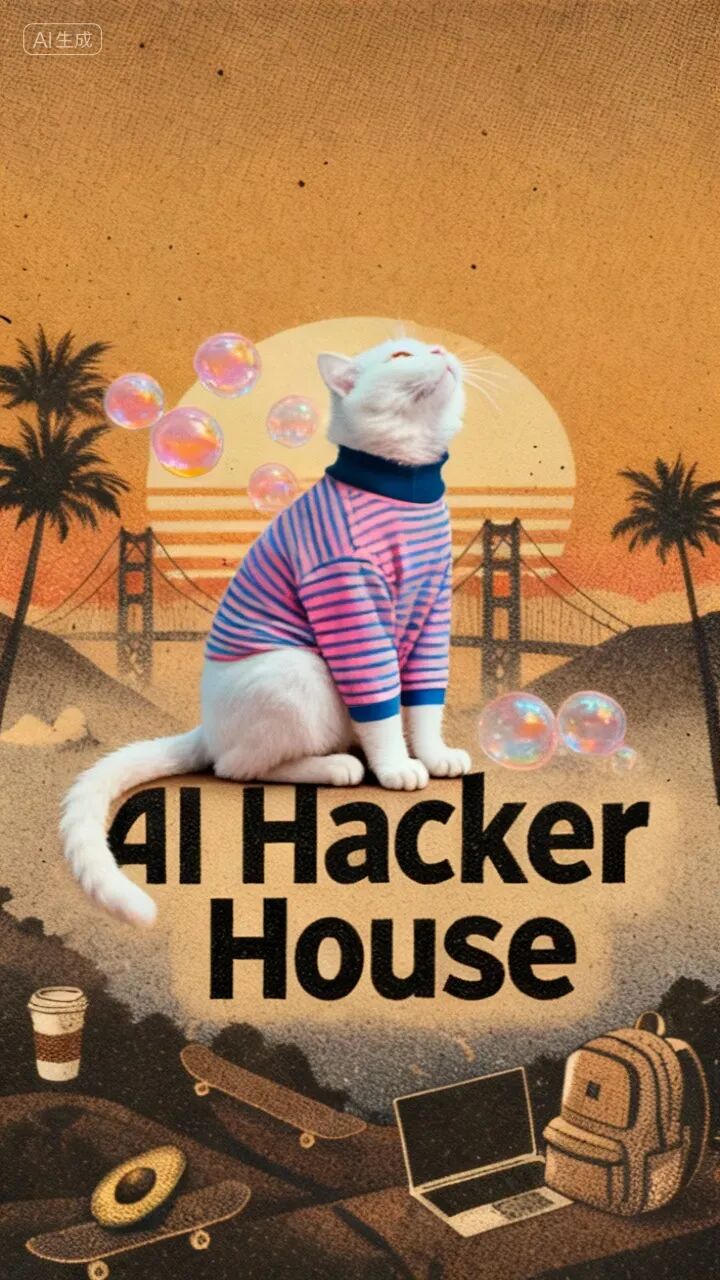
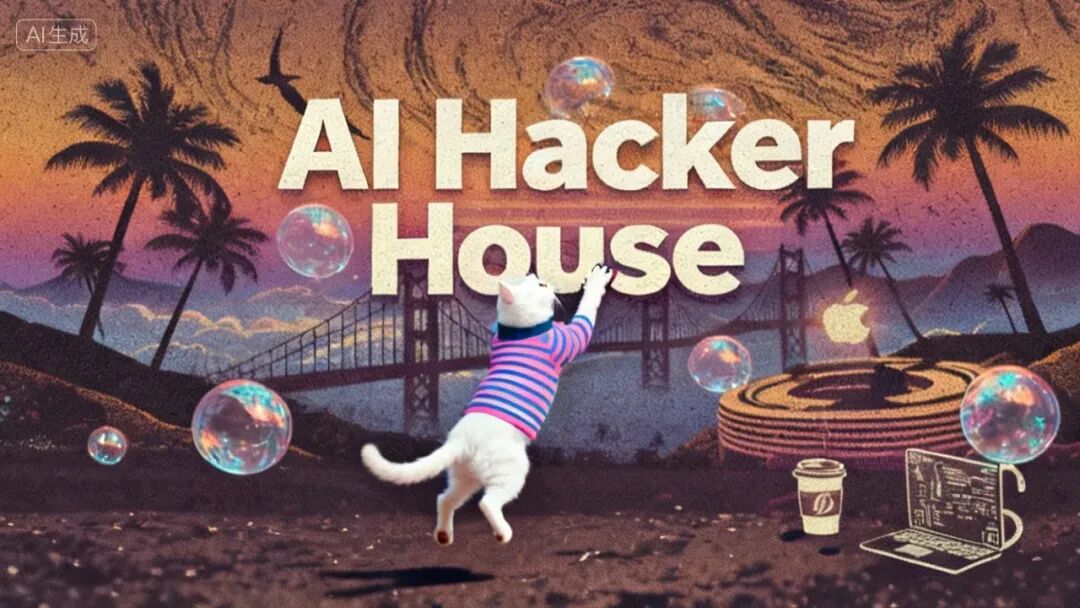
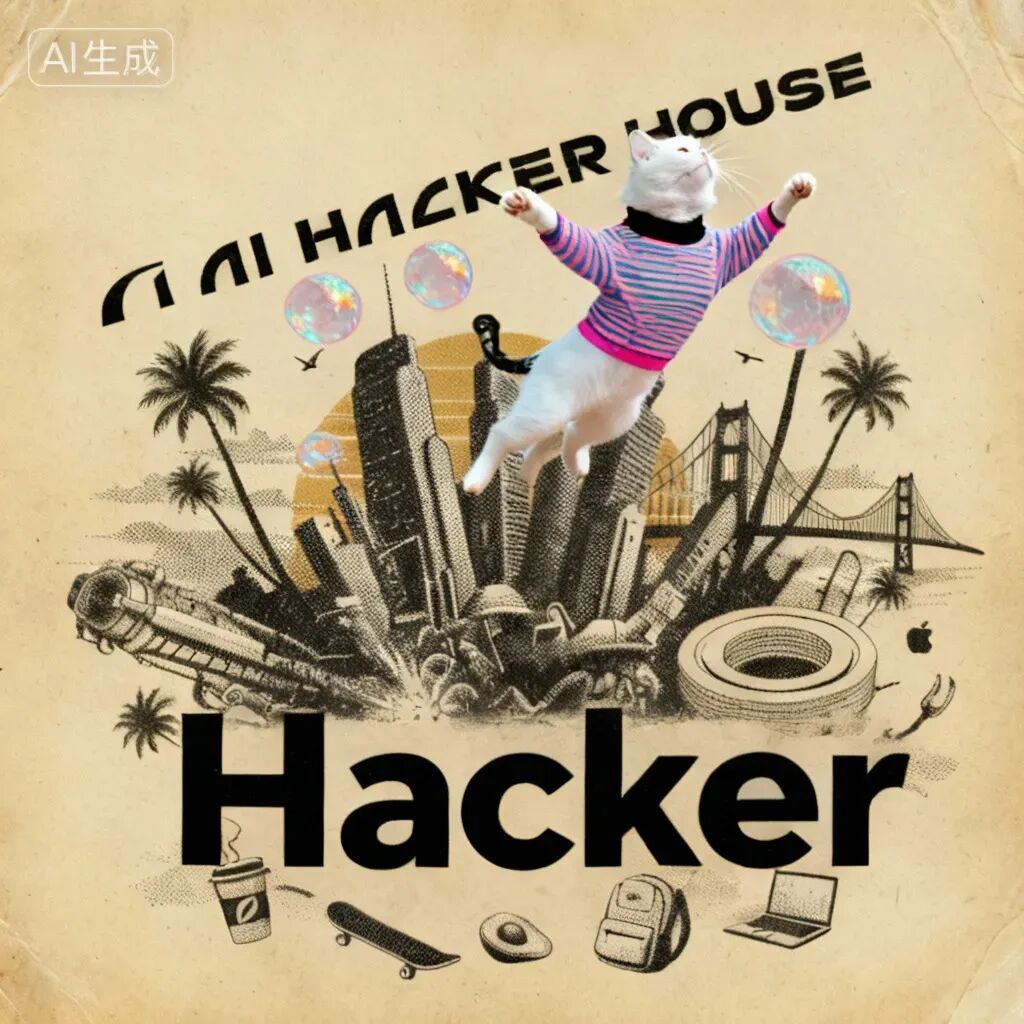
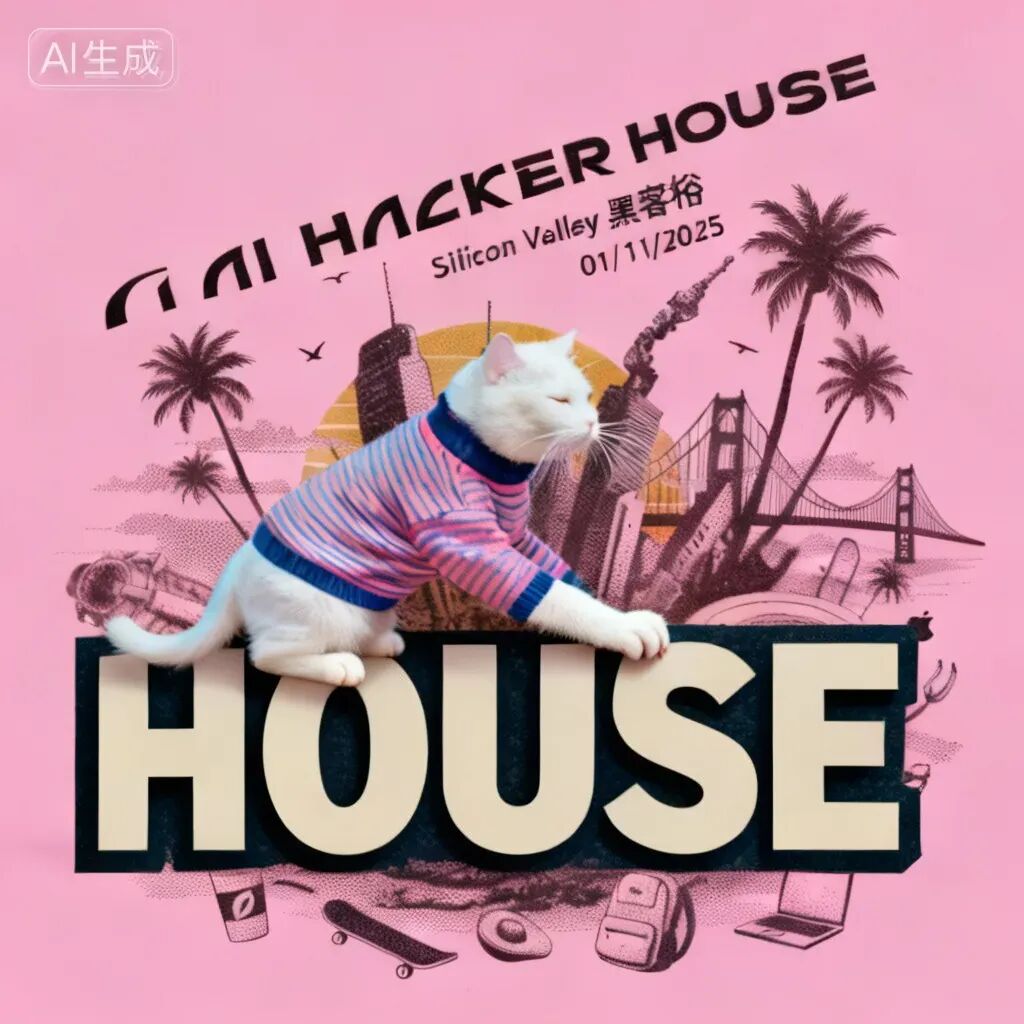
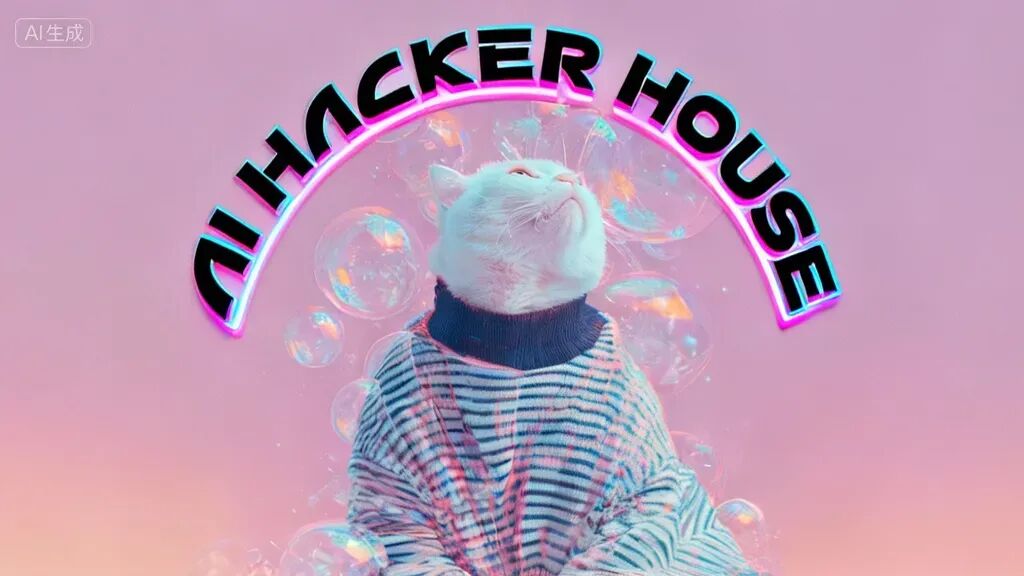
Another example: using multiple models to combine this little cat with the AI Hacker House logo.
Next, video generation.
Currently, LiblibAI has integrated SOTA AI video models including Keling AI, Tongyi Wanxiang, Hailuo AI, Vidu, and Pixverse.
Each video model supports numerous effects. You can find them in this effects plaza. I did a quick count — 5 models, roughly 100 effect templates total.
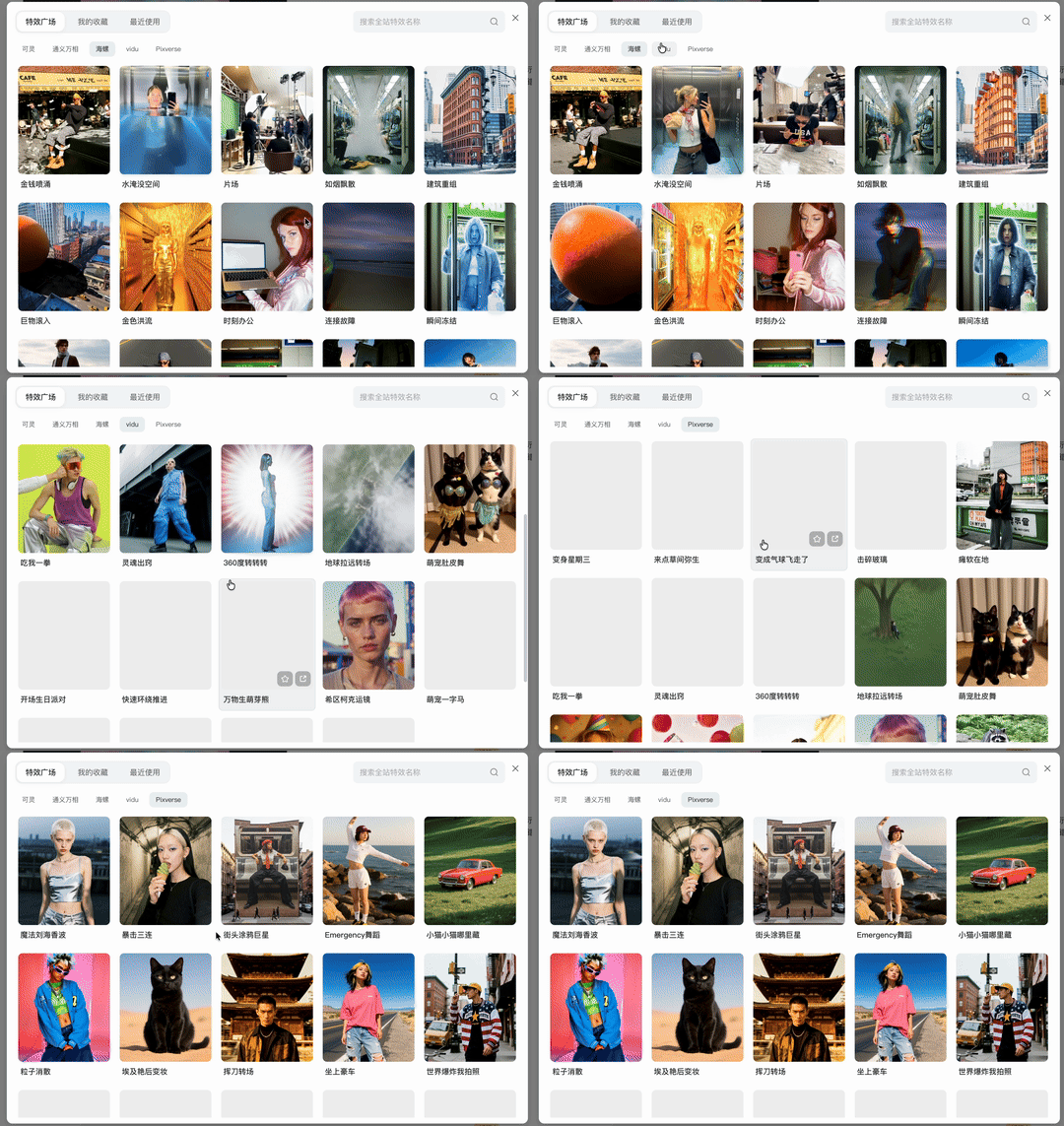
This feature is genuinely a lot of fun. "Video effects" — if you click on a template, it applies a fixed effect to your entire video or image within 5 seconds.
Like taking the AI Hacker House cat from above and "squishing it into a ball" while maintaining consistency:
Vidu's soul-capturing "Some Yayoi Kusama" video effect:
Keling AI's "Everything Inflates" video effect:
And various little creative touches:
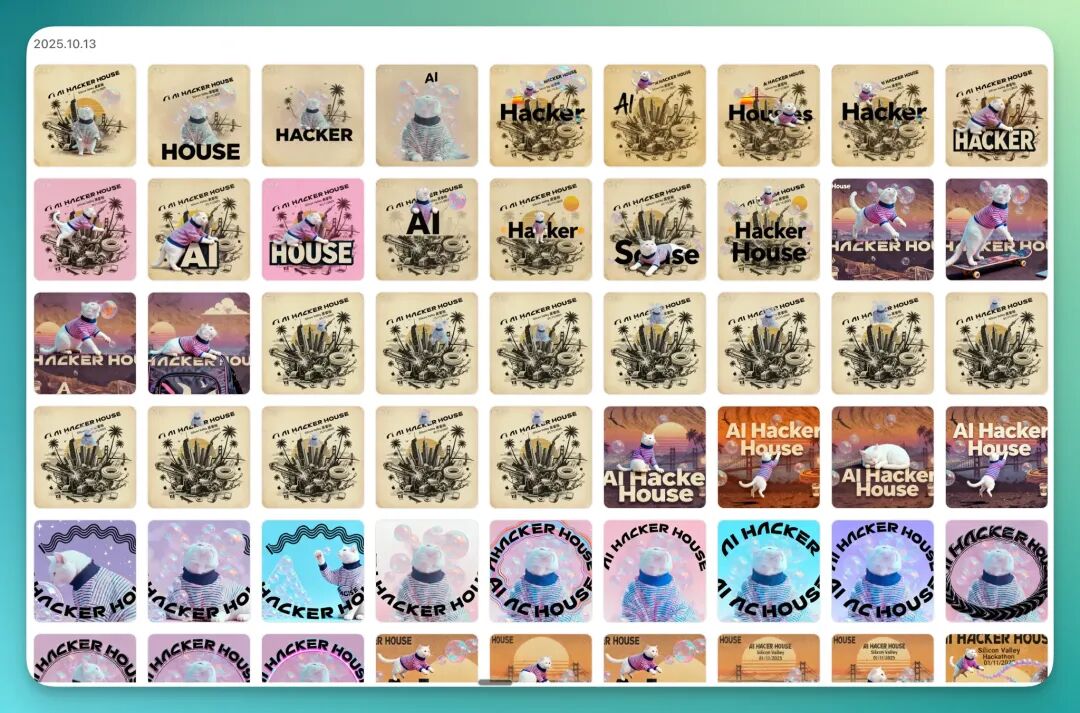
All generated assets, videos, and effect files are automatically stored in the "asset library":
Meanwhile, the "AI Toolbox" that us longtime users know well has been preserved. Background removal, style transfer, composition expansion, inpainting... this series of functions that once supported the community ecosystem has now been reintegrated into the Studio workflow.
So rather than saying Liblib 2.0 added 4 new features, it's more accurate to say it pushed years of technology and experience one step further toward the "workflow front end." This AI Toolbox function is also the most direct manifestation of LiblibAI's longstanding community culture.
You can find most image creation functions in the AI Toolbox:
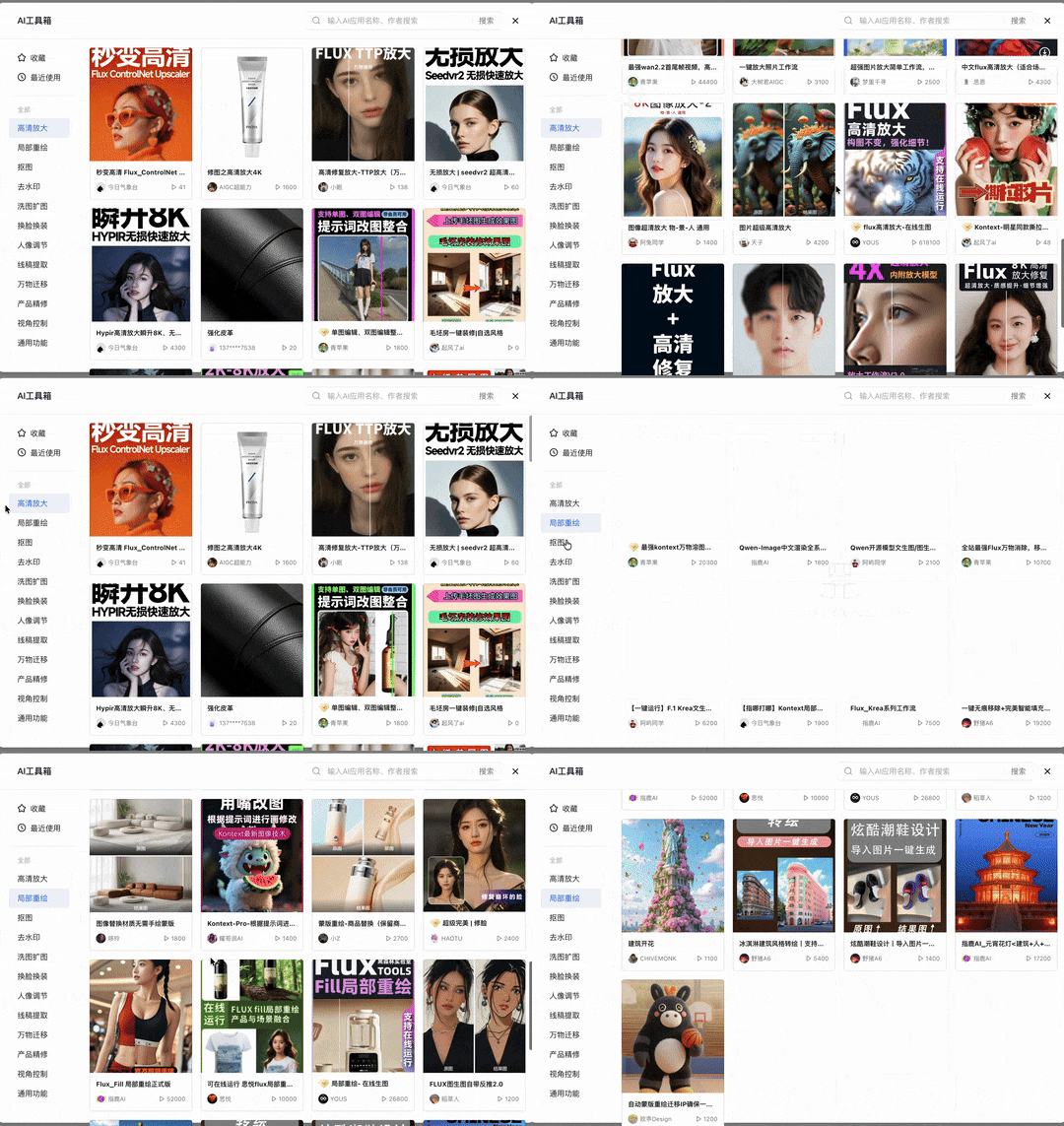
Now, these 4 major features plus LiblibAI's existing community creative reserves like the AI Toolbox together form a quite useful, fairly comprehensive workflow.
Let's summarize below.
LiblibAI 2.0's upgrade is actually a microcosm of AI applications moving from the "feature era" to the "scenario era," while actively seeking new positioning for itself.
The old logic was: powerful models ≠ efficient creation.
The new logic is: system coherence = creative freedom.
Will this one-stop Studio model become the mainstream form of future AI creation tools? Can it truly solve creators' efficiency anxiety and cost anxiety?
Time will tell, but LiblibAI has already "acted first and talked later."
For all creators feeling exhausted in this age of "great tool fragmentation," this brand new "studio" may be worth pushing open the door and taking a look inside.
🚥
The wave of AI creation is returning from its initial "technical carnival" to "value creation." We creators in the midst of it are also returning from pursuing "novelty" to pursuing "useful and efficient."
LiblibAI 2.0's upgrade happens to land right at this inflection point.
With its "True AI Creation Studio" form, it responds to our most朴素的期待 as creators: less折腾, more creation.
If you've ever felt exhausted by AI tools scattered everywhere, anxious about hefty subscription fees, then I sincerely suggest you go sit a while in this brand new studio.