Flowith Releases New Version, Tackling AI "Context Rot"

Flowith Updates Again, This Time Targeting "Context"
**
Flowith's Latest Update Targets "Context"
 👦🏻 Author: Jingshan
🥷 Editor: Koji
🧑🎨 Designer: NCon
 If you're anywhere near the AI world lately, you may have noticed an intriguing trend: whether at tech forums, product launches, or in papers by top researchers, everyone seems to be converging on the same concept — "context."
Karpathy, former OpenAI co-founder and AI luminary, has even proposed replacing "prompt engineering" with "context engineering."
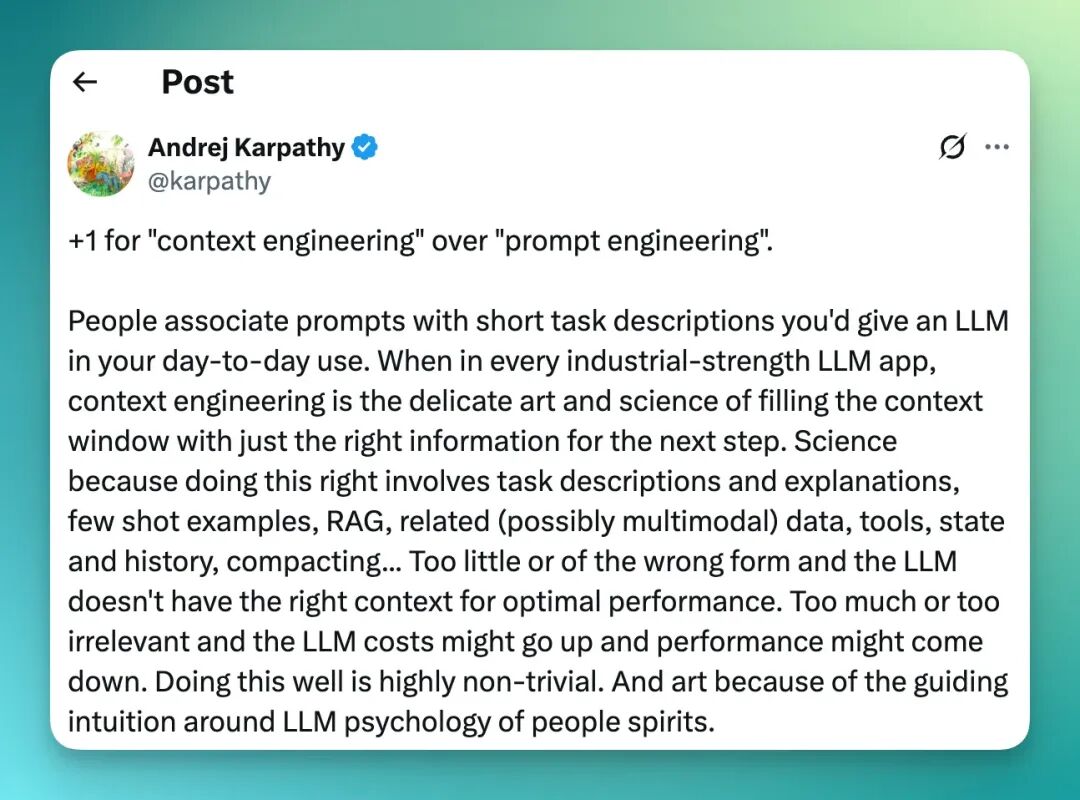
"Context is King" — this slogan is growing louder by the day. Behind it lies a simple yet profound consensus: what determines the ceiling of AI output quality is no longer merely model size, but how precise, stable, and coherent the "contextual information" we can provide it with.
Yet the ideal is rich, while reality is rather thin.
Coexisting with "context is king" is something that plagues every deep AI user — "context decay." This refers to how the background materials and core prompts users "feed" to AI get gradually squeezed out of its limited "memory window" as the conversation deepens.
This brings us to today's protagonist, and an old friend of the Crossing team — Flowith.
We gave an in-depth introduction to this youthful, innovative tool in our article 【全网首发】一手体验全新AI Agent:Neo是谁?从哪来?到哪去?. And on the Xiaoyuzhou podcast, Crossing sat down with Flowith's CEO and CMO[1] to witness the official "debut" of its new Agent Neo at AI Hacker House.
 AI Hacker House prepared a "0th birthday" cake for Agent Neo's debut
Then on September 26, Flowith rolled out another major update. This time, its core focus is on "context decay" and more "free-form creation."
🚥
Here's our comprehensive hands-on review.
P.S. Flowith has provided us with a limited batch of membership codes! To enter the giveaway, follow our WeChat official account and reply "flowith yyds" in the backend.
Hope you all get to try it out!
First, Context Finally Comes "Alive"
From my hands-on experience, this Flowith update finally makes context "come alive."
Why do I say that? Because it allows nearly all context within every node on the canvas to be edited — from almost every angle, in every direction.
Thus, Flowith Canvas now has a more vivid name: Context Playground.
Let's illustrate with the following case.
First, I directly use Flowith's Agent mode and enter the prompt:
Write a 20-episode sequel to the film Green Book
As with Flowith's previous capabilities, the Agent diverges with human-like thinking, first conducting deep research to thoroughly investigate Green Book's original story model, then writing each episode based on this information:
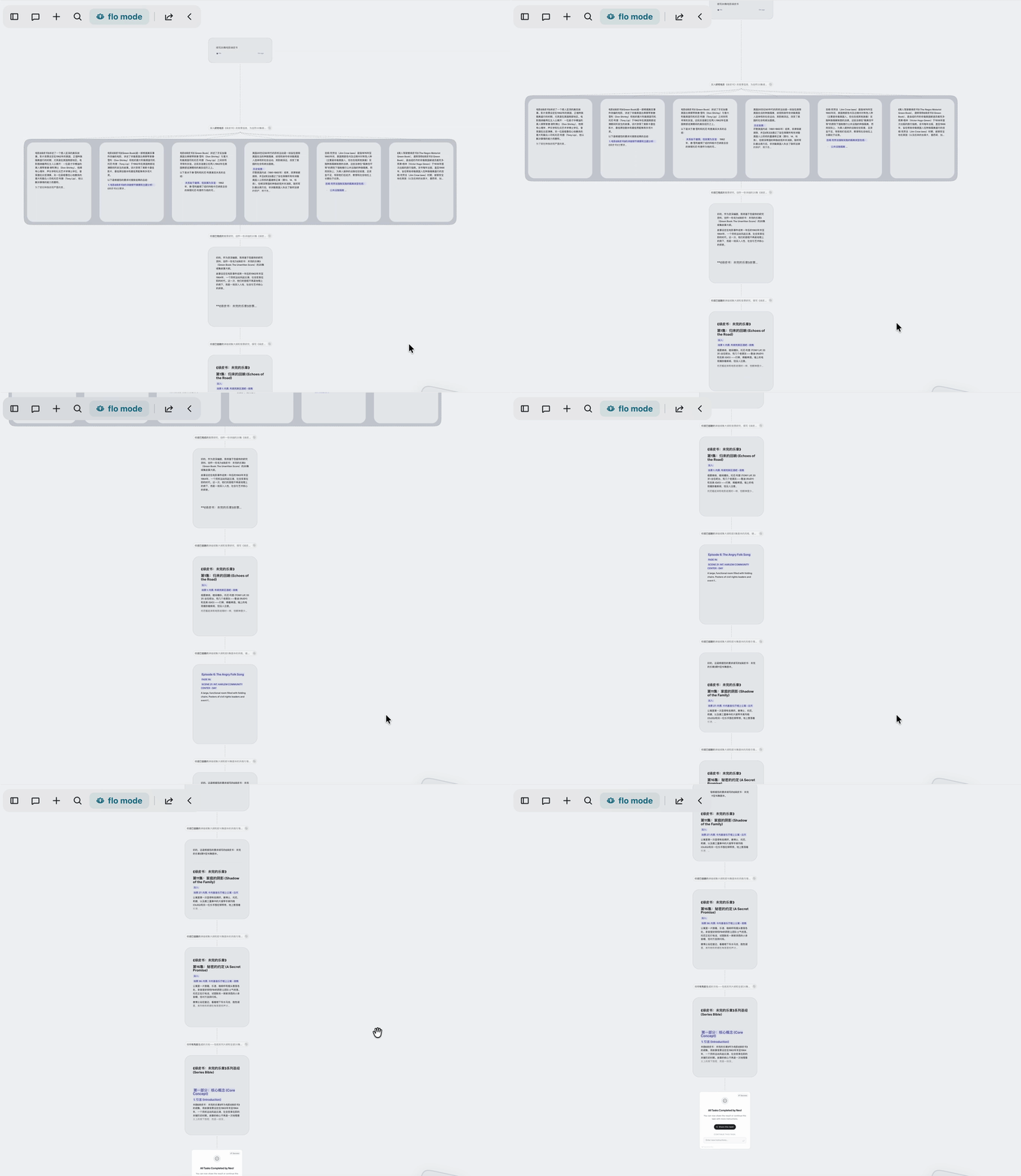
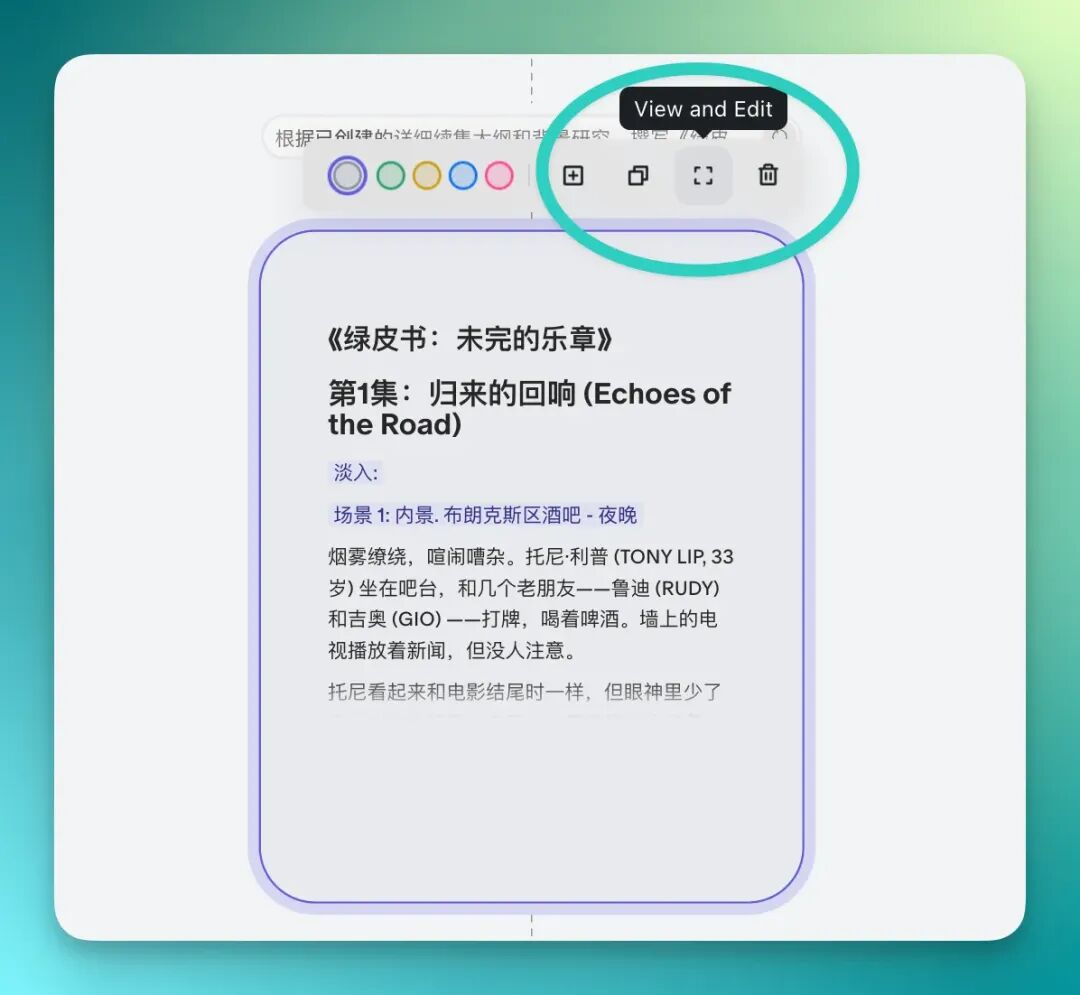
In this long chain of thought, each text node allows users to edit and modify by clicking the square icon in the upper right corner.
After clicking the square, we can see the full script and content for Green Book Episode 1 on the right side of the screen. All text content here can be structurally modified, or simply edited as text.
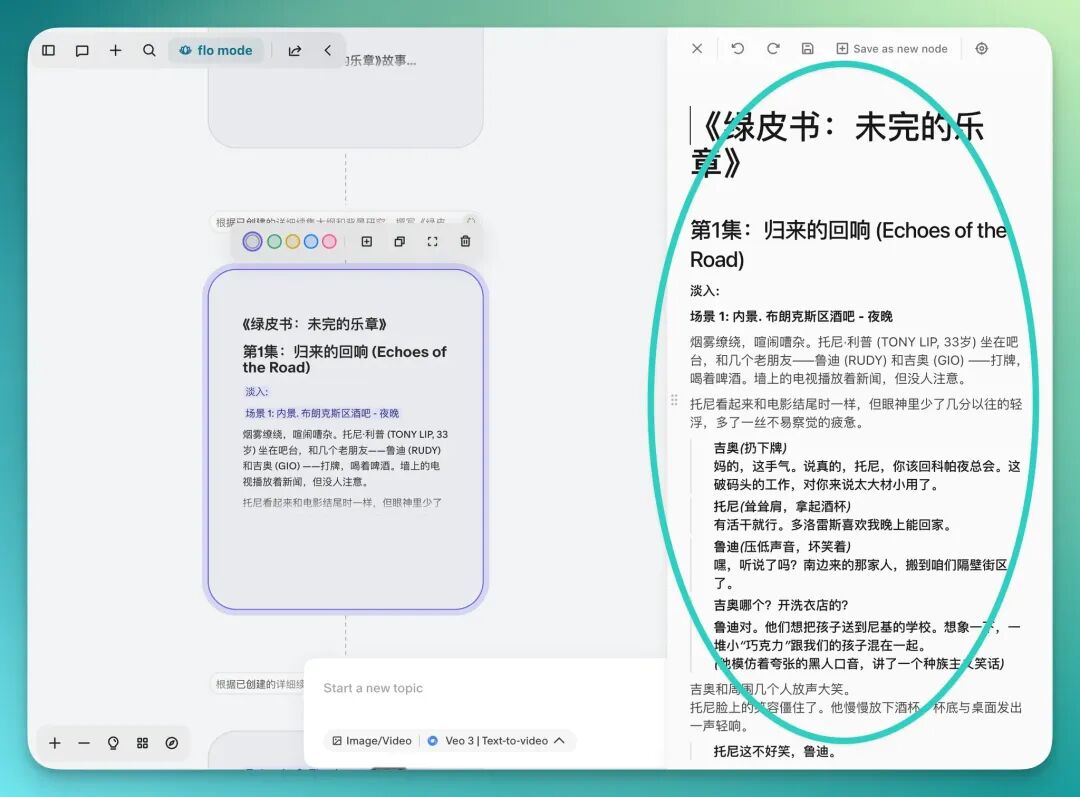
And any modifications we make will be reflected in subsequent nodes — essentially changing the context of the entire chain of thought. So when this context is modified, all following nodes will correspondingly adjust and improve.
Next, let's go into detail.
We first use the VEO3 model to generate videos based on each episode's content.
When I open the model selection panel, I find that Flowith now allows the Agent to generate in multiple rounds — for instance, I can have it generate up to 8 videos at once:
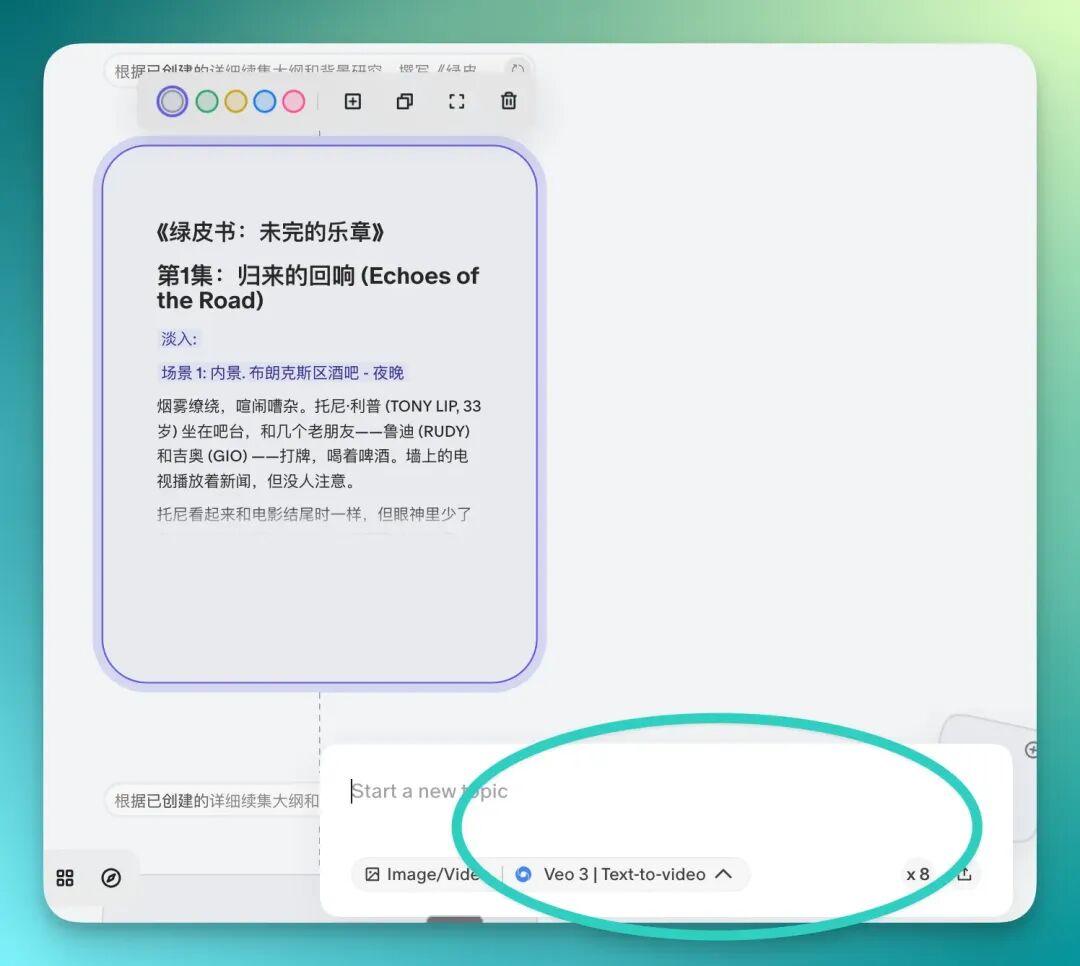
Flowith Agent's capabilities have improved noticeably compared to before. This mainly shows in the richness of script details and the smoothness of workflow when calling models.
Let's first look at the video performance for Episode 1:
After watching this basic video above, we can directly proceed to modify the context.
For example, in the video below there's a scene of a man driving. We can directly modify the episode content through context editing, thereby changing the video content.
Before modification:
The modified result is as follows:
So we can extensively debug each episode's content, then generate videos based on each episode. This is already a very mature and highly personalized workflow.
Moreover, the entire workflow doesn't involve code nodes like some traditional Agent products. The whole process flows quite smoothly — it's very low-code, even zero-code.
Next, Flowith now supports freely dragging around the canvas. I can directly hold Shift to drag all node content together, then zoom in:
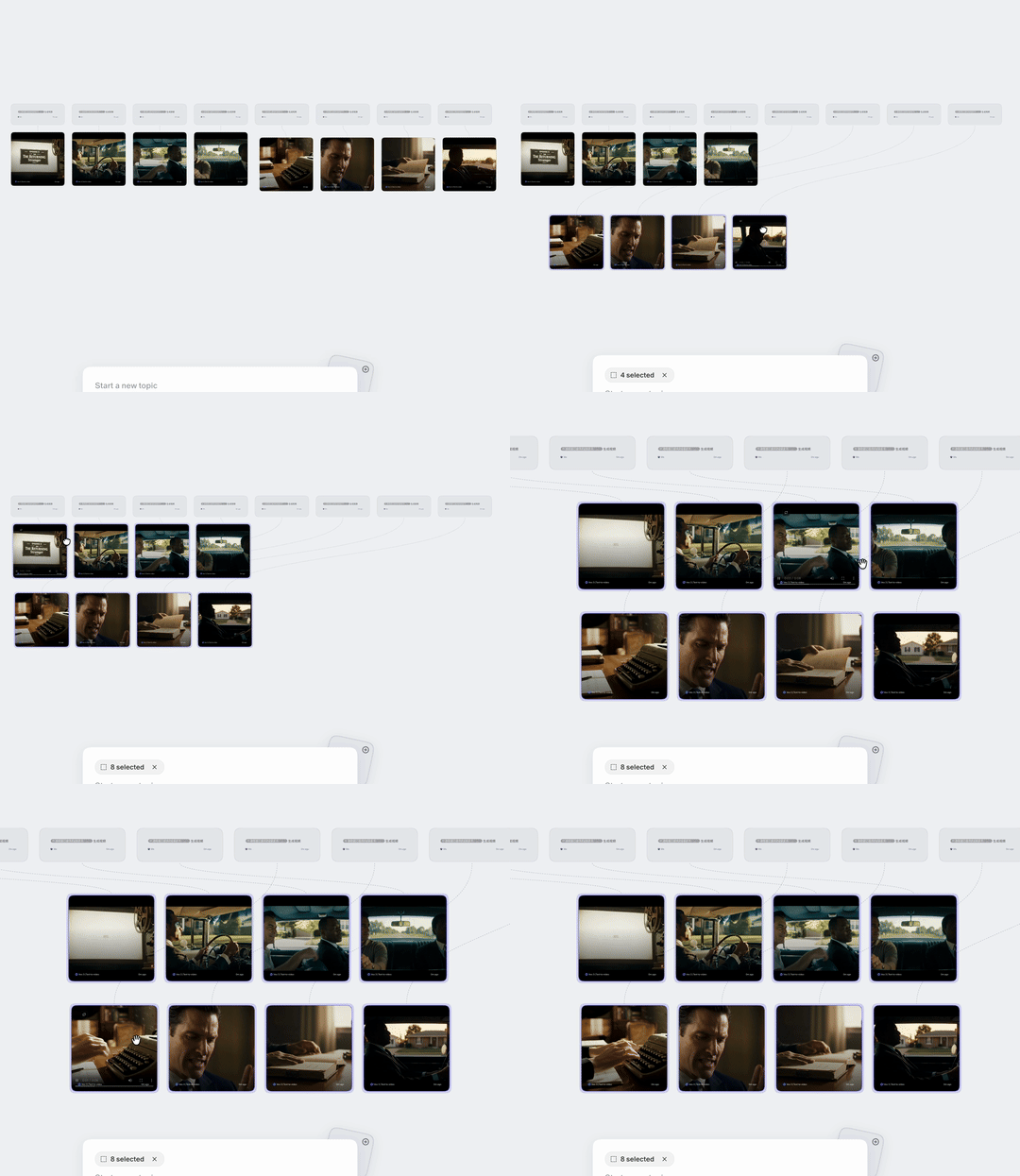
While dragging, I also noticed a particularly small but very handy, creatively thoughtful feature: the "little scissors."
As we know, in Flowith there's a logical line between each node's previous and next node, and this line can be directly cut using this "little scissors."
I recorded a GIF to demonstrate — below, the content from Episodes 6 to 10, I felt the quality wasn't ideal enough. So I had Flowith's AI rewrite it in a different literary style.
This way, I can delete all the logical lines between the two original context nodes, then reconnect them.
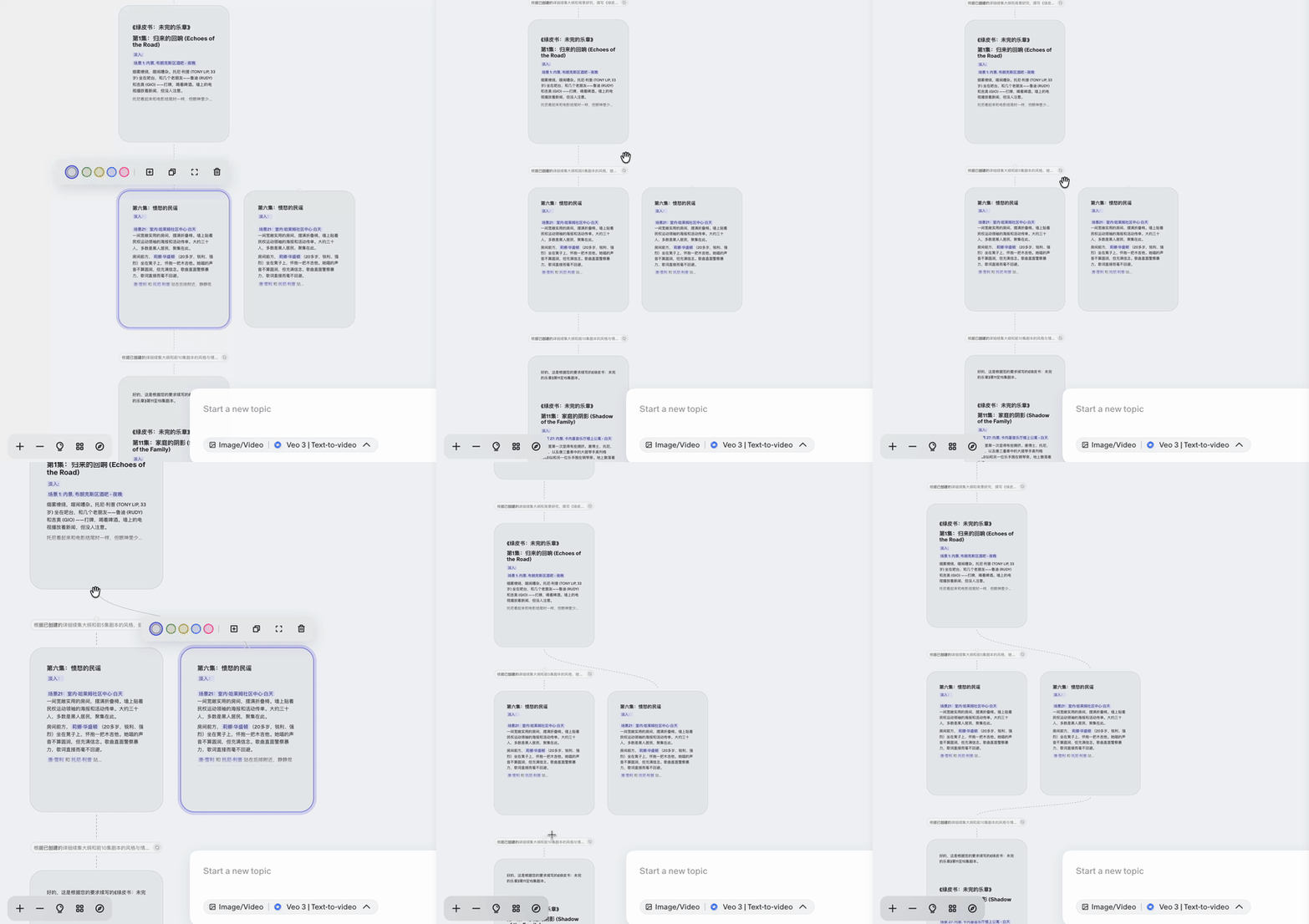
Its greatest significance is allowing high-value nodes to be reconnected, while some "AI duds" can be directly deleted — giving me "scalpel-level editing rights."
This lets me quickly trim through Flowith's generated ultra-long context content.
Finally, if there aren't major AI hallucinations, I can directly save qualified content to the knowledge base:
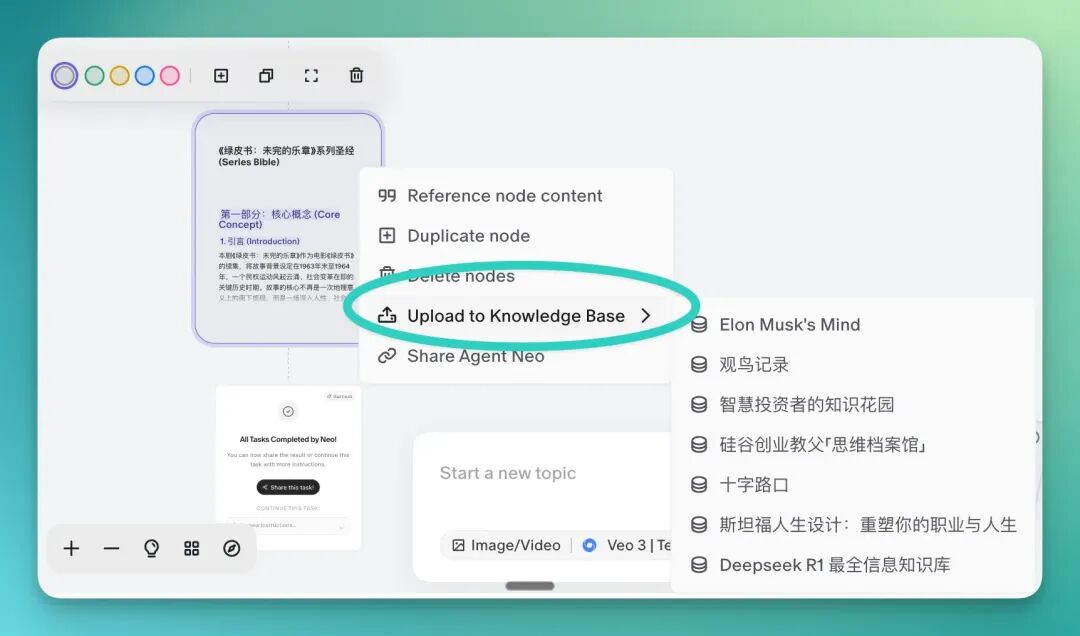
This feature's significance is indeed substantial. Using the scissors function to trim before saving to the knowledge base ensures: the knowledge base only stores human-curated, logically coherent versions; to some extent avoiding "garbage context" polluting the library content, improving the likelihood of subsequent use.
Similarly, this trick can also be used to build a very aesthetically pleasing, maturely front-end displayed art website.
For example, if I want Flowith to make a portfolio analysis display page for an artist I personally like, Hugo Winder-Lind, I can enter the prompt:
For unqualified content, directly delete with the "little scissors," and you can very quickly get this nicely designed display page below:

Moreover, each painting and its corresponding title, dimensions, and description all exist in the display page in a very harmonious state.
Since modifications can be made through context editing, the entire process is very convenient and efficient:


Below, let's look at Flowith's "Fusion" feature that lets inspiration run freer. This also involves how to "activate" context, with more, more efficient, and freer interaction design layered on top — very suitable for "multimodal content design."
Second, Let Inspiration Freely "Fuse"
Next, let's try to match a complete set of MUJI-style furniture for this "bare shell" photo of my newly bought apartment, and produce a complete set of poster designs:
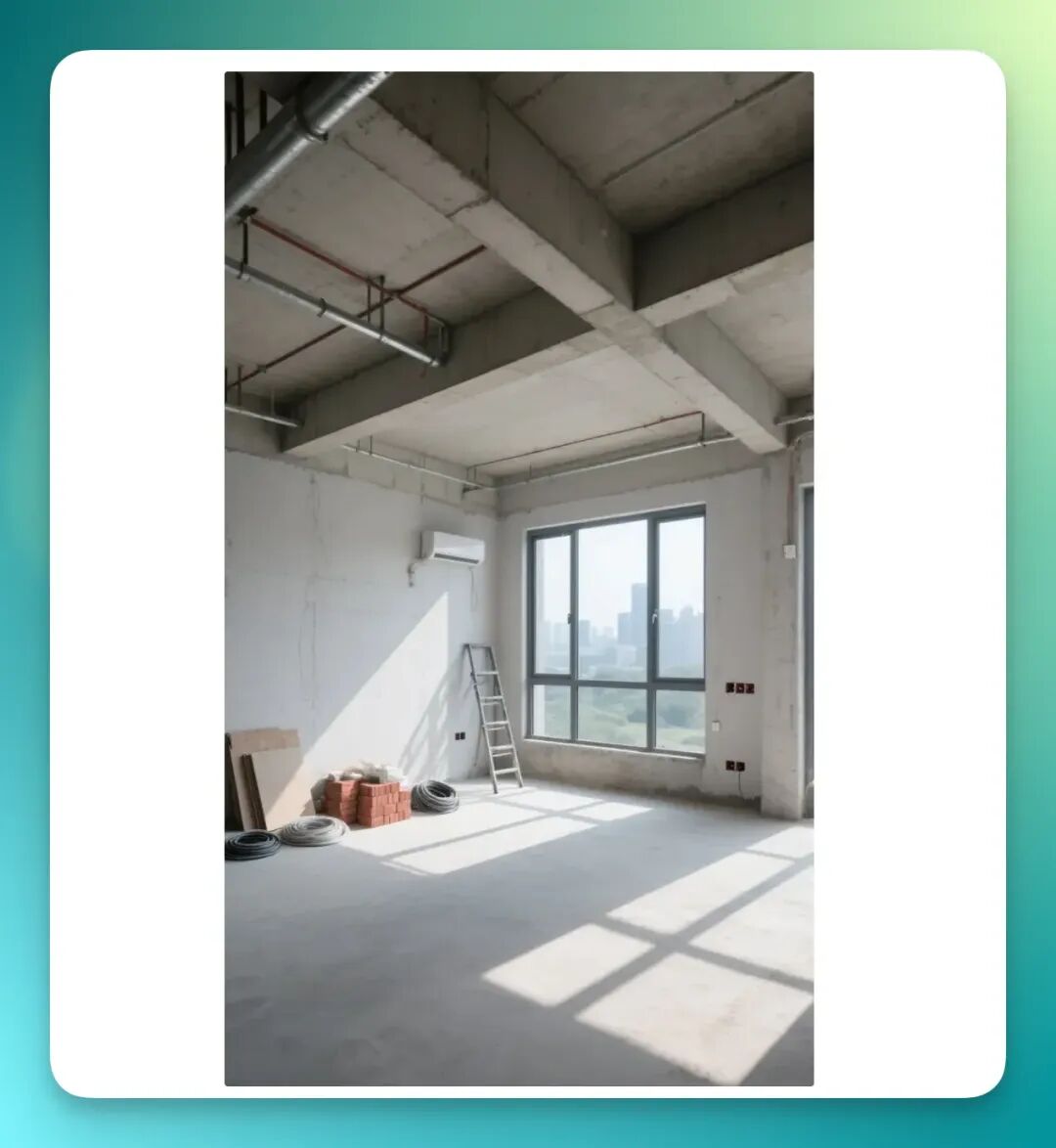
The prompt is simple, Flowith can help you enrich it directly:
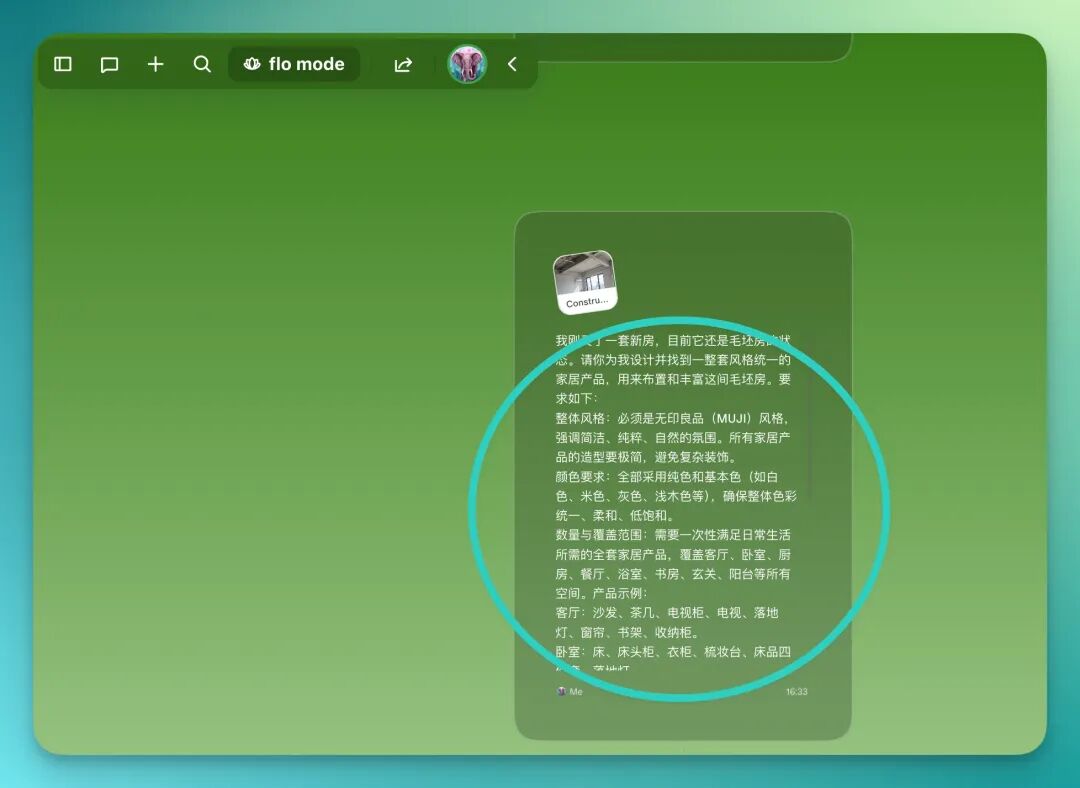
I just bought a new apartment, currently still in bare shell condition. Please design and find a complete set of stylistically unified home products for me, to furnish and enrich this bare shell apartment. Requirements: Overall style: Must be MUJI style, emphasizing simplicity, purity, natural atmosphere. All home products should have minimalist shapes, avoiding complex decoration. Color requirements: Use only solid colors and basic colors (such as white, beige, gray, light wood color, etc.), ensuring overall color unity, softness, low saturation. Quantity and coverage: Need to satisfy full daily living needs in one go, covering all spaces including living room, bedroom, kitchen, dining room, bathroom, study, entryway, balcony, etc. Product examples: Living room: sofa, coffee table, TV stand, TV, floor lamp, curtains, bookshelf, storage cabinet. Bedroom: bed, nightstand, wardrobe, dressing table, bedding set, floor lamp. Kitchen: refrigerator, coffee machine, rice cooker, oven, microwave, kitchenware storage rack, tableware. Dining room: dining table, dining chairs, sideboard, wall clock. Study: desk, ergonomic chair, bookshelf, storage cabinet, green plant. Bathroom: washstand, bathroom cabinet, towel rack, mirror, storage shelf. Entryway: shoe cabinet, full-length mirror, hooks. Balcony: washing machine, drying rack, small coffee table and chair set, green plant. Presentation form: Please generate white model images (simple modeling images) of these furniture and appliances, maintaining unified material and lighting, for my overall preview. Additional requirements: Layout should consider practicality and circulation rationality, each product should have clear functional positioning, avoiding redundancy. Overall style should embody "light living,
And while Flowith was generating, I happened to notice a button called "flo mode" in the upper left corner, which can directly change the entire canvas background color. For example, switching to green, so node content and background canvas no longer "mush together" like before:
It generated 37 home product images in one go, all maintaining my requested basic color style, and only took one round — no extra rolls needed:




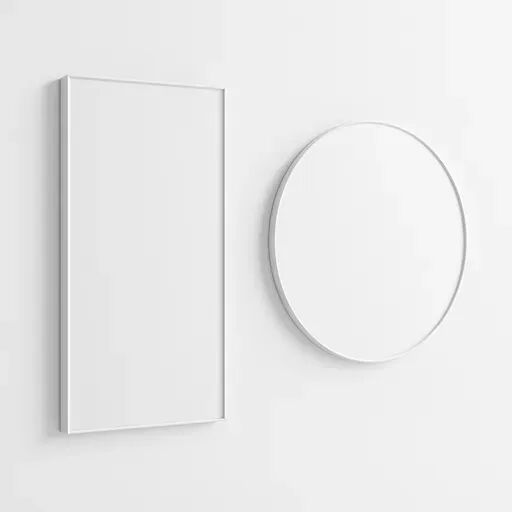






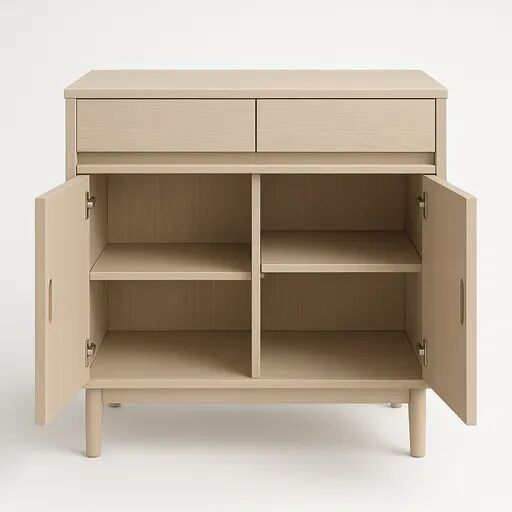
Quick export all:
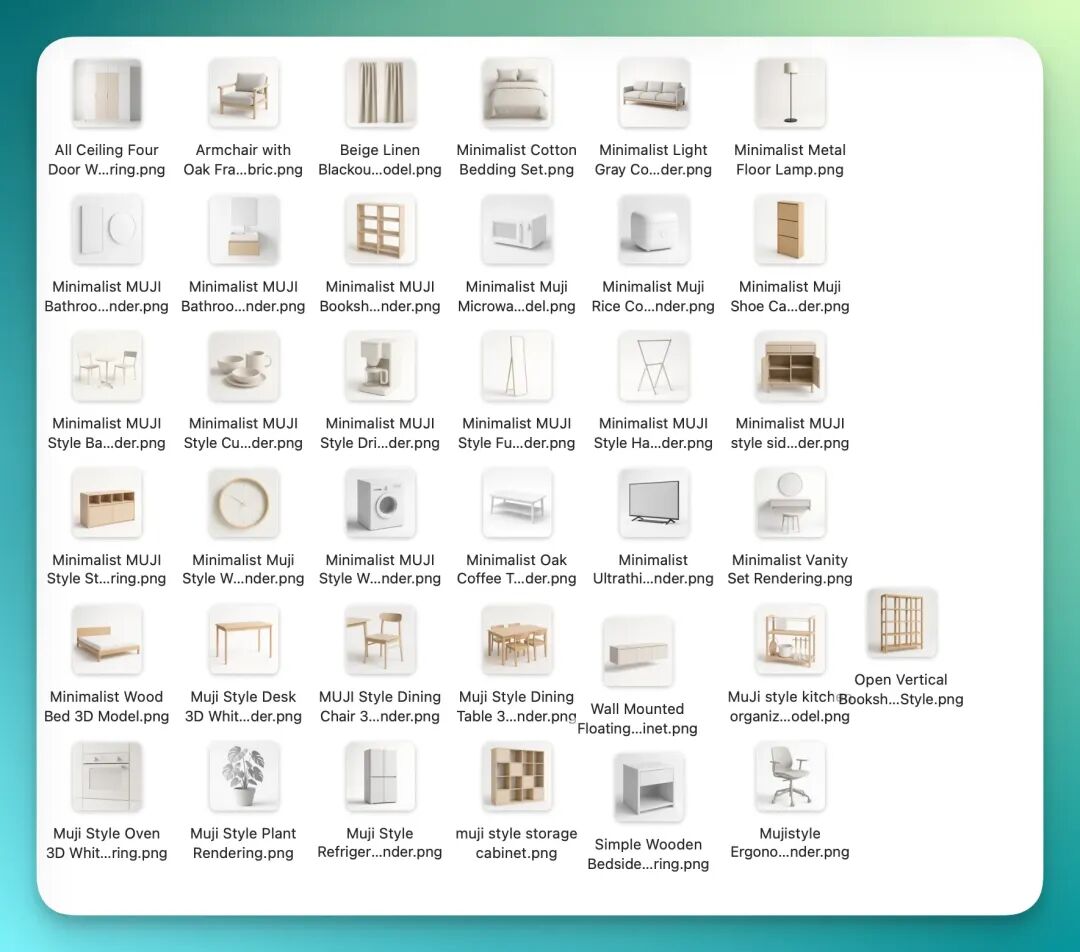
Its efficiency isn't just about how many highly consistent white model images it can generate, but the interaction.
Why do I say that?
Because I discovered that now you can directly select all elements in the canvas by holding Shift, then group them:
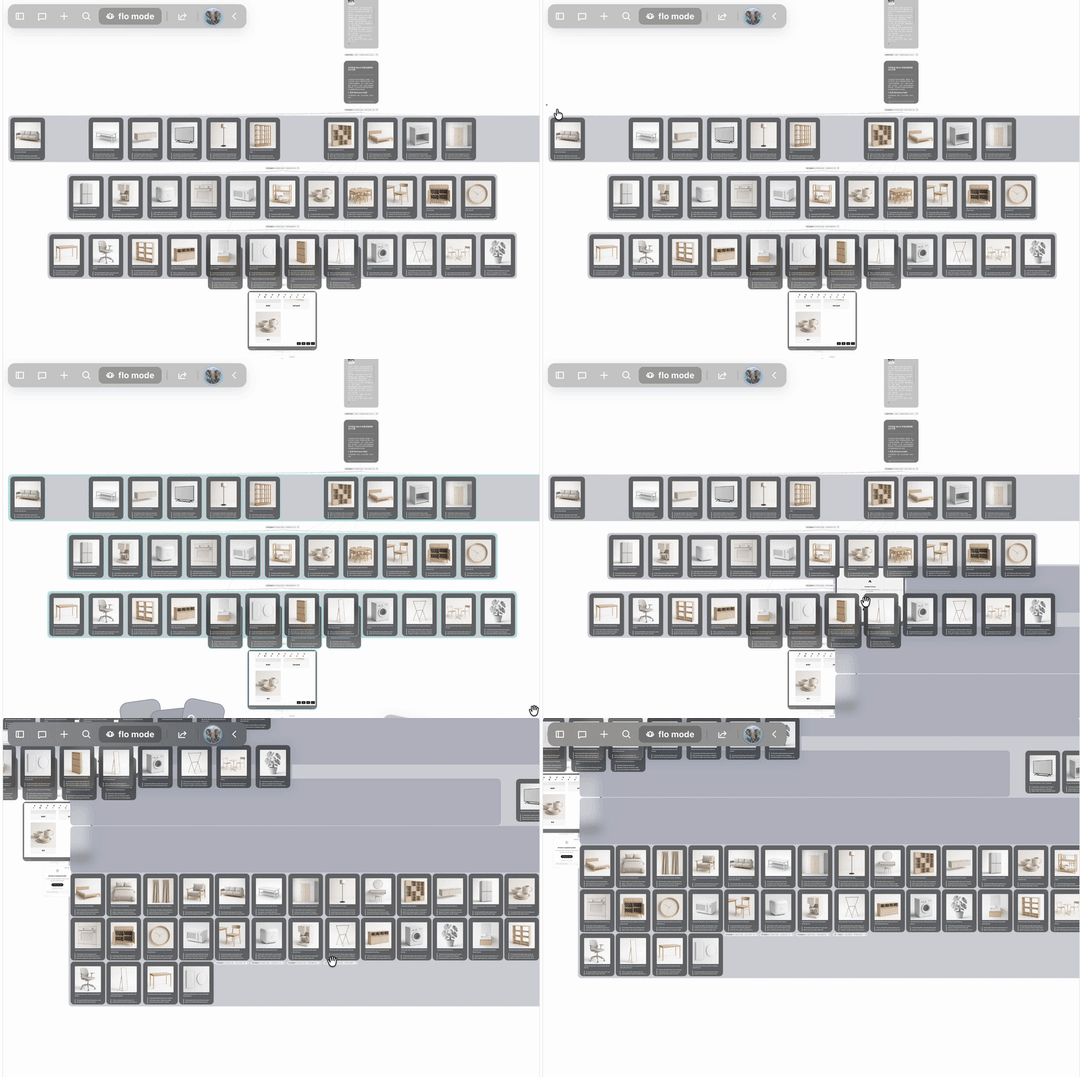
Then, color the background frame of each group:
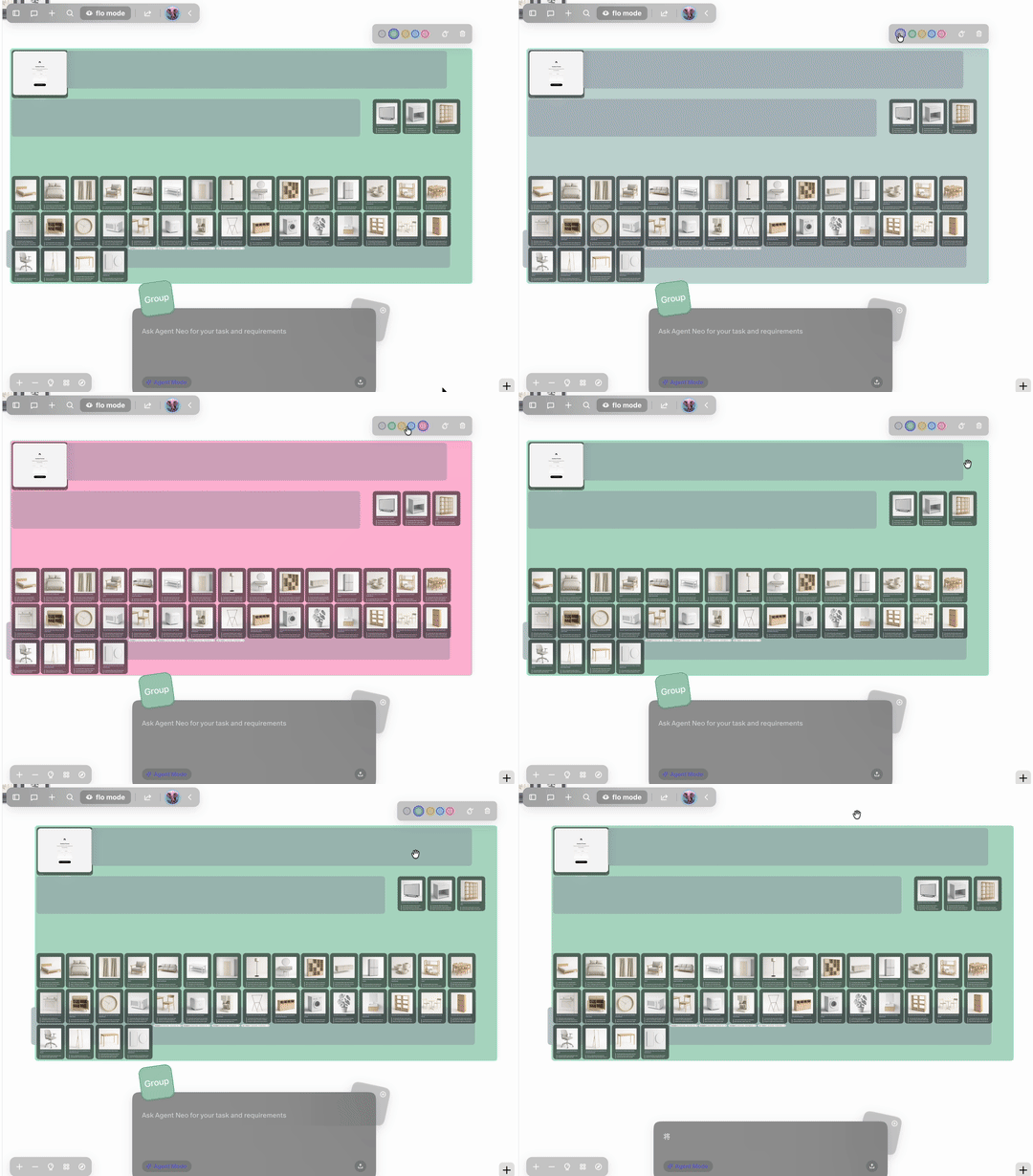
Note, at this point it's not just color change — their contexts are all gathered into the same context window, and then you can continue AI Q&A based on this larger context.
Moreover, I saw that Flowith has already launched ByteDance's Seedream 4.0 series, so here I made a series of posters for several of the product images.
Each generation can directly produce 8 images; I picked a few to show you:




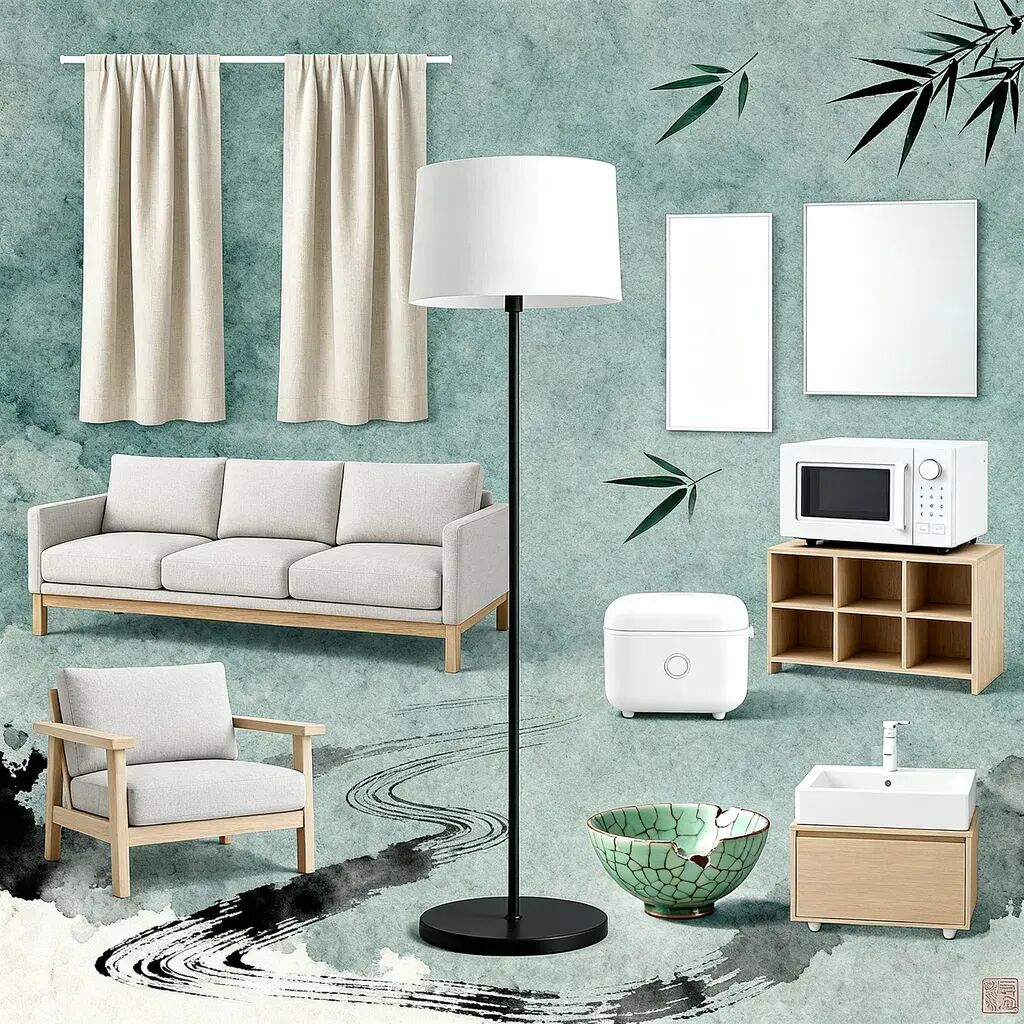
Let's try another wabi-sabi style, with bluish-gray rice paper background product poster images:
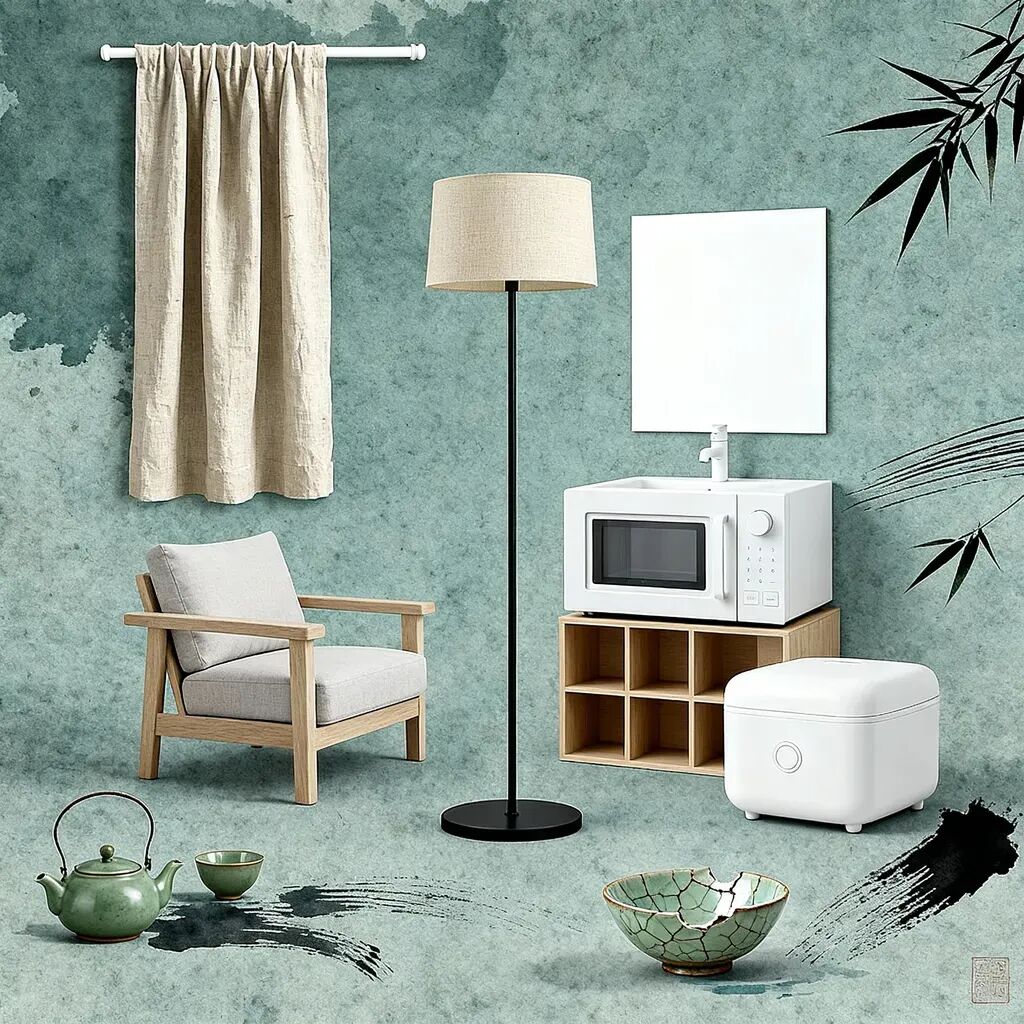



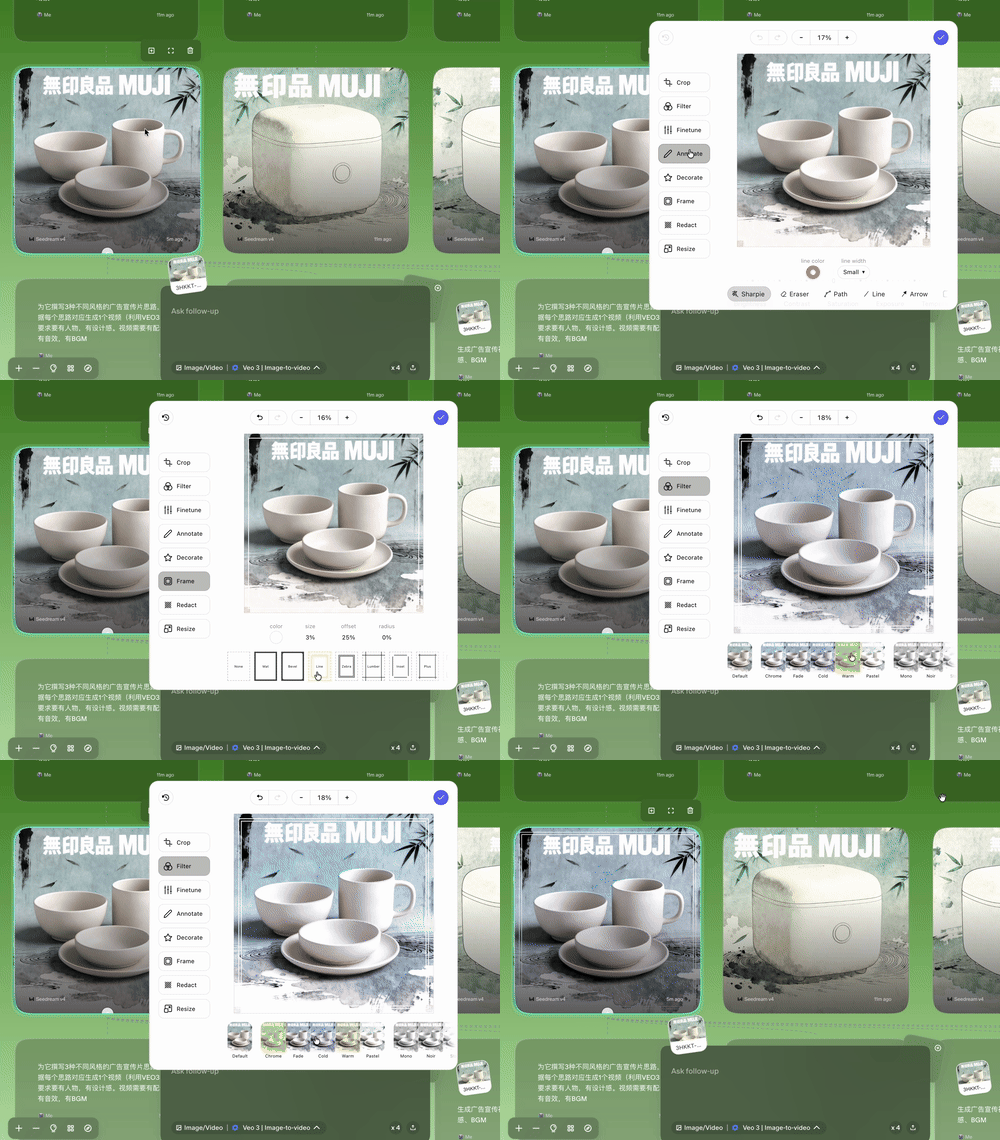
And it doesn't end there. For each image, Flowith now provides richer and more professional image editing tools:
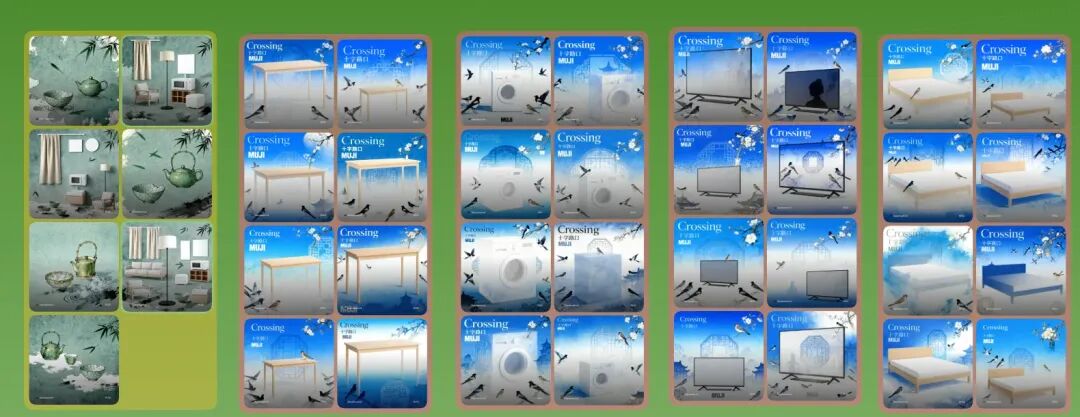
Afterward, we can directly select the decent-looking ones to combine, delete product images with AI hallucinations, then gather them together, like this:
Finally, let's make a product visual rotation video, with BGM:
See, doesn't the whole process feel like playing with Lego — where nearly every node in the workflow becomes smoother.
We start from a pile of scattered individual images and text, and through grouping, coloring, and re-creation, build them into logical, thematic "modules," ultimately piecing together a complete creative project.
From "Chatting with AI" to "Managing AI's Thinking"
Finally, let's summarize Flowith's major update this time.
Flowith's update is transforming AI tools from simple "Q&A machines" into true "thinking partners" and "creation spaces."
By giving users the ability to edit, trim, organize, and reuse context, it circumvents "context decay" to some extent, returning control to users.
From a user experience perspective, the entire canvas has undergone substantial updates, with considerable improvements over the previous version. This mainly manifests in: users can drag more freely on this canvas, clip context more freely, letting every node fulfill its full potential.
🚥
The ultimate meaning of tools is to extend human capability, not replace human thinking.
Flowith is earnestly practicing this: it no longer tries to become an all-powerful "black box," but transforms itself into a transparent, editable "thinking sandbox."
From the initial innovative canvas interaction, to now clipping and dragging "context," and the various other possibilities extended from this, all confirm our earlier view:
It has "youthful energy," daring to make breakthroughs.
On this sandbox canvas, AI is responsible for emergence.
And we, scissors and brush in hand, are responsible for selecting and refining.
P.S. Mentioning again, Flowith has prepared another batch of membership codes for everyone, very limited in quantity! To enter the giveaway, follow our WeChat official account and reply "flowith yyds" in the backend.
Hope you all get to play with it!


References
[1] First interview with Flowith's CEO and CMO: https://www.xiaoyuzhoufm.com/episode/6829e70afcbc2e2https://www.xiaoyuzhoufm.com/episode/6829e70afcbc2e206b85b82a06b85b82a